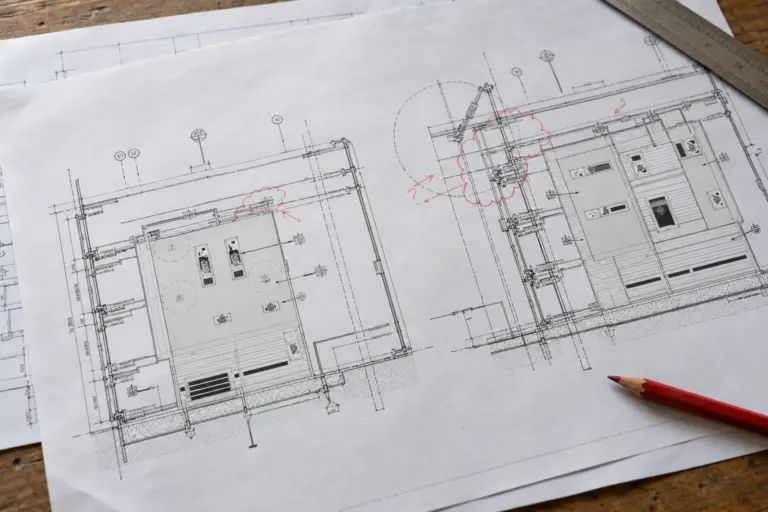
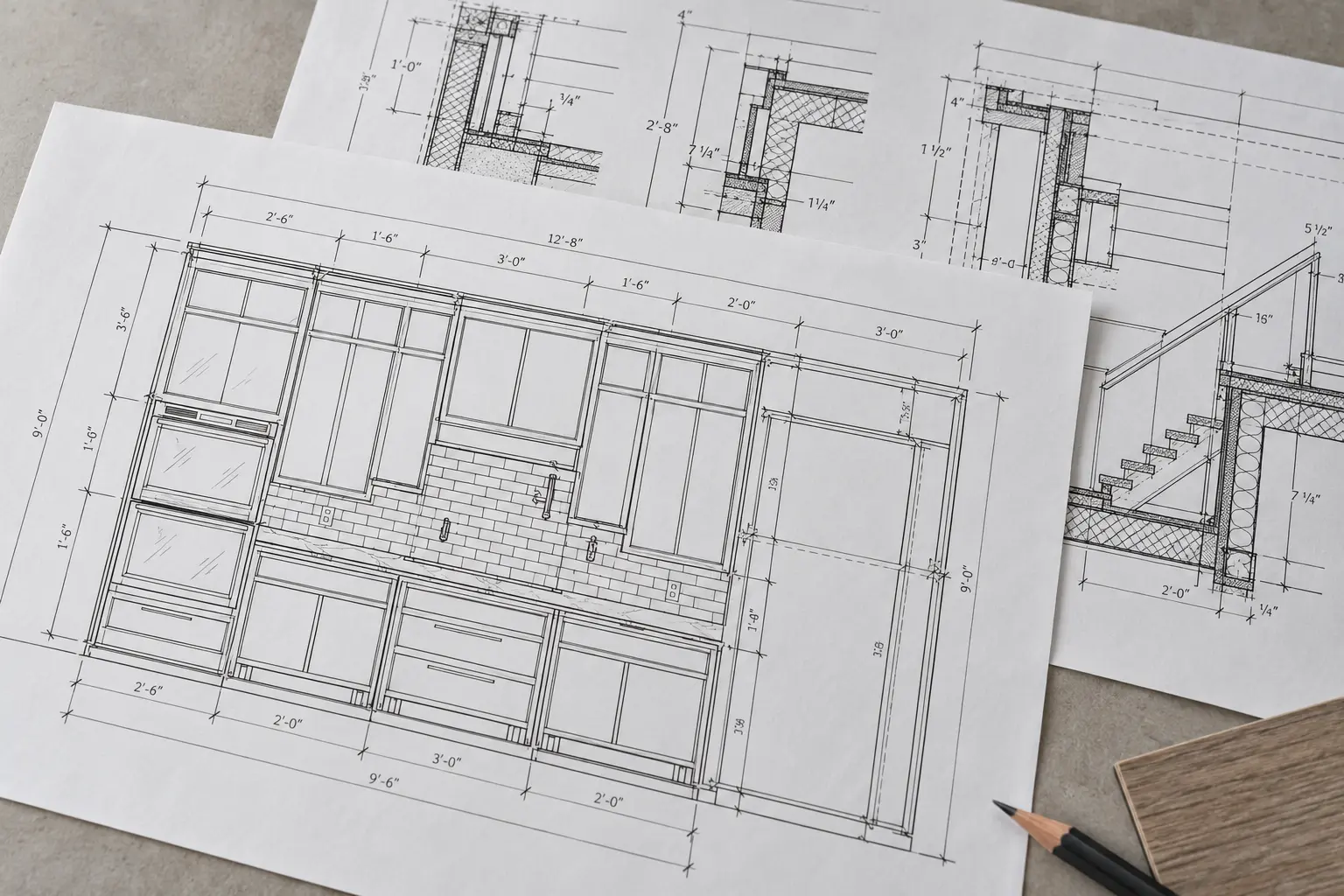
A cabinet can be in the right place on the floor plan while the wall measurement needed for fabrication is still outstanding. A shop-drawing review should make that gap visible.
Construction drawings establish the project's design requirements. Shop drawings develop the information a trade or supplier needs to fabricate, assemble or install its scope. For the reviewer, the task is to check that the proposed assembly follows those requirements and records the decisions still needed.
What is the difference between shop drawings and construction drawings?
Construction drawings may describe the building layout, systems, materials and detailed requirements across several disciplines. Shop drawings focus on particular work, such as a cabinet assembly, curtain-wall unit or fabricated stair. They can contain dimensions, assembly information, references and schedules specific to that scope.
Both sets need appropriate accuracy. A construction detail may already specify an exact dimension or connection. Carry that requirement through the shop-drawing review, and identify any proposed departure explicitly.
AIA Contract Documents describes shop drawings as project-specific submittals showing the contractor's proposed implementation. Its guidance also distinguishes them from manufacturer product data and physical samples. See AIA's explanation of construction submittals.
| Review question | Construction drawings | Shop drawings |
|---|---|---|
| What information do they establish? | Project design requirements, layouts and relevant details | Proposed development of a particular trade or assembly |
| Who normally prepares them? | The design team responsible for the relevant discipline | The responsible contractor, trade, fabricator or supplier, sometimes with a detailing partner |
| How broad is the coverage? | Building, area or system information with associated details | The defined package and its interfaces with other work |
| What does the reviewer compare? | Coordination and consistency across the design package | The proposed assembly against current project requirements and interface information |
| What controls their use? | The stated issue purpose and applicable project documents | The review response, outstanding conditions and project release procedure |
The table describes common documentation roles. Your project's agreements, specifications and delivery method determine the actual obligations and review route.
Follow one cabinet from the design detail into a submittal
The worked example uses a cabinet run along a wall, identified as C-01. Its dimensions and document references are invented to explain the handoff. It is not a fabrication detail.
On the construction drawing, the design team shows the cabinet's position and relationship to the room. The elevation establishes a finished height and finish reference. A detail defines the intended relationship between the cabinet, wall and worktop.
The shop-drawing package develops that information into a specific assembly. It identifies the cabinet modules, the proposed filler arrangement and the references used to select the finish and hardware. It also records dimensions that require confirmation before the affected work can be released.
| Information for cabinet C-01 | Design information in the example | Information developed for the shop-drawing review |
|---|---|---|
| Position | Cabinet location and adjoining wall relationship | Assembly set-out tied to the cited design reference |
| Overall width | A 120-inch nominal run shown on the design drawing | A module/filler proposal with its site-dimension dependency identified |
| Height | Finished height stated in the design detail | Coordinated cabinet, worktop and section dimensions |
| Finish | Finish reference F-02 | F-02 reference linked to the relevant product or sample submission |
| Adjacent work | Outlet shown in the wall area | Outlet/cabinet conflict identified for electrical coordination |
| Issue status | Design issue and revision stated | Submittal revision and unresolved conditions stated |
Check which dimensions resolve the assembly. If a required site measurement is still missing, adding more dimensions around it will leave that dependency unresolved.
Make the site-dimension dependency explicit
In the example, the design drawing shows a nominal 120-inch run. A note in the proposed shop package says that the available wall dimension still needs field confirmation.
Identify the nominal design value and the confirmed site measurement separately. Record who will provide the measurement, which finished surfaces define it and which assembly details depend on it.
If the confirmed opening differs, check the permitted response against the project requirements. A filler adjustment may be allowed; a module change may need further review. Record the decision before revising the assembly.
Use an issue entry such as: "Q-01: confirm available finished-wall dimension before releasing affected cabinet widths." Add the responsible contact and decision reference when it is resolved. Avoid a general "verify all dimensions" note as the only explanation of a known, specific dependency.
Record conflicting information before revising the assembly
Suppose the cabinet elevation places a worktop against a wall where the electrical drawing shows an outlet. The cabinet detailer can identify the interference and provide the references needed to assess it. Selecting an alternative outlet location requires the appropriate coordinated response.
Record the affected sheets and revisions, describe the conflict and name the next action. The response may arrive through an RFI or another agreed review route. AIA's construction-administration guidance discusses RFIs as written requests for clarification of errors, omissions or inconsistencies.
Once direction is received, update the affected detail and record the response reference. Follow the applicable process for any departure from a project requirement and identify it in the submission.
Separate contractor checking, design review and release
Record each review step separately, with its scope and response, so the team can see what has been checked.
For projects using AIA's described framework, the contractor has review and coordination responsibilities before forwarding the submittal. AIA's guidance on subcontractor submittals explains that forwarding a stamped document alone does not satisfy that evaluation.
The architect's review has a defined scope under the applicable agreement. It should not be presented as a blanket verification of every fabrication dimension or installation detail. Likewise, review terminology varies: use the actual project's response codes and the conditions attached to them. AIA's submittal overview discusses these limits and the separate treatment of significant design changes.
For the cabinet example, a working review record could look like this:
| Stage | Question to resolve | Evidence or next action |
|---|---|---|
| Detailer check | Does the proposed assembly follow the cited design and specification references? | Checked drawing with its input list and unresolved questions |
| Contractor/trade coordination | Are the wall measurement and adjacent electrical interface addressed? | Q-01/Q-02 responses and the relevant coordination record |
| Design review | Does the submission satisfy the review scope defined for the design team? | Returned response and any conditions or required resubmission |
| Release decision | Are the required responses complete for the affected work? | Authorised issue with its purpose, revision and limitations |
This is a proposed checking aid. A project with delegated design or additional specialist reviews needs those responsibilities recorded explicitly as well.
The example review register records Q-01 and Q-02 so the unresolved conditions can be followed alongside the drawing.
Give a resubmission enough context to review
A revised shop-drawing package should identify the previous submission, address its comments and flag additional changes. Keep the comment response tied to a sheet, detail or issue entry that the reviewer can find.
In the cabinet example, record the confirmed dimension against Q-01 and the electrical response against Q-02. Identify which drawing views changed. If a finish or hardware selection also changed, flag that separately rather than relying on the reviewer to discover it.
The review return and the package release remain separate records. Confirm the required responses before issuing the affected work for fabrication or installation. Preserve earlier submissions and responses in the project record while making their superseded status clear.
A handoff checklist for shop-drawing production
Before sending a package to a detailing partner, gather the current design drawings and relevant specifications. Include the applicable review comments and the information that describes the package's interfaces with other work.
Check that the handoff identifies:
- The exact trade scope, sheet list and exclusions.
- Current reference revisions and accepted instructions.
- Product selections and required samples or supporting data.
- Site information that is confirmed and information still outstanding.
- The review route, response codes and required output formats.
- The person who resolves questions beyond the detailing scope.
Before sending the cabinet package, ask a colleague to locate the source for its width and the open outlet question. If they need a separate explanation to understand what prevents release, put that information into the package.
Questions about construction drawings and shop drawings
Are shop drawings more accurate than construction drawings?
Both need appropriate accuracy for their purpose. Shop drawings usually develop trade-specific information, while construction drawings establish the design requirements they must address. Greater detail does not authorise changing a specified requirement.
Are shop drawings contract documents?
AIA's submittal guidance generally treats them as submittals rather than contract documents. Check the project's actual agreement and any modifications before applying that classification to a particular package.
Who prepares and reviews shop drawings?
The responsible contractor, trade, fabricator or supplier commonly prepares them, sometimes using a specialist detailing team. Contractor coordination and design-team review address different responsibilities under the project agreement.
Can a drawing marked for review be used for fabrication?
Confirm its issue purpose, returned response and outstanding conditions against the project's release procedure. The presence of detailed dimensions alone does not establish that the affected work is ready to proceed.
For production support, review Arcengine's shop drawing service. Send the relevant contract drawings, specification sections and review requirements so the proposed sheet list and interfaces can be discussed before detailing begins.
A working record for this guide