
BIM Modeling Services
As-Built BIM Models
We build as-built BIM models in Revit from laser scans, field measurements, and legacy drawings. You get a data-rich record of the architecture, structure, and MEP in your existing building, ready for renovation and facility management.
Overview
What is an As-Built BIM Model?
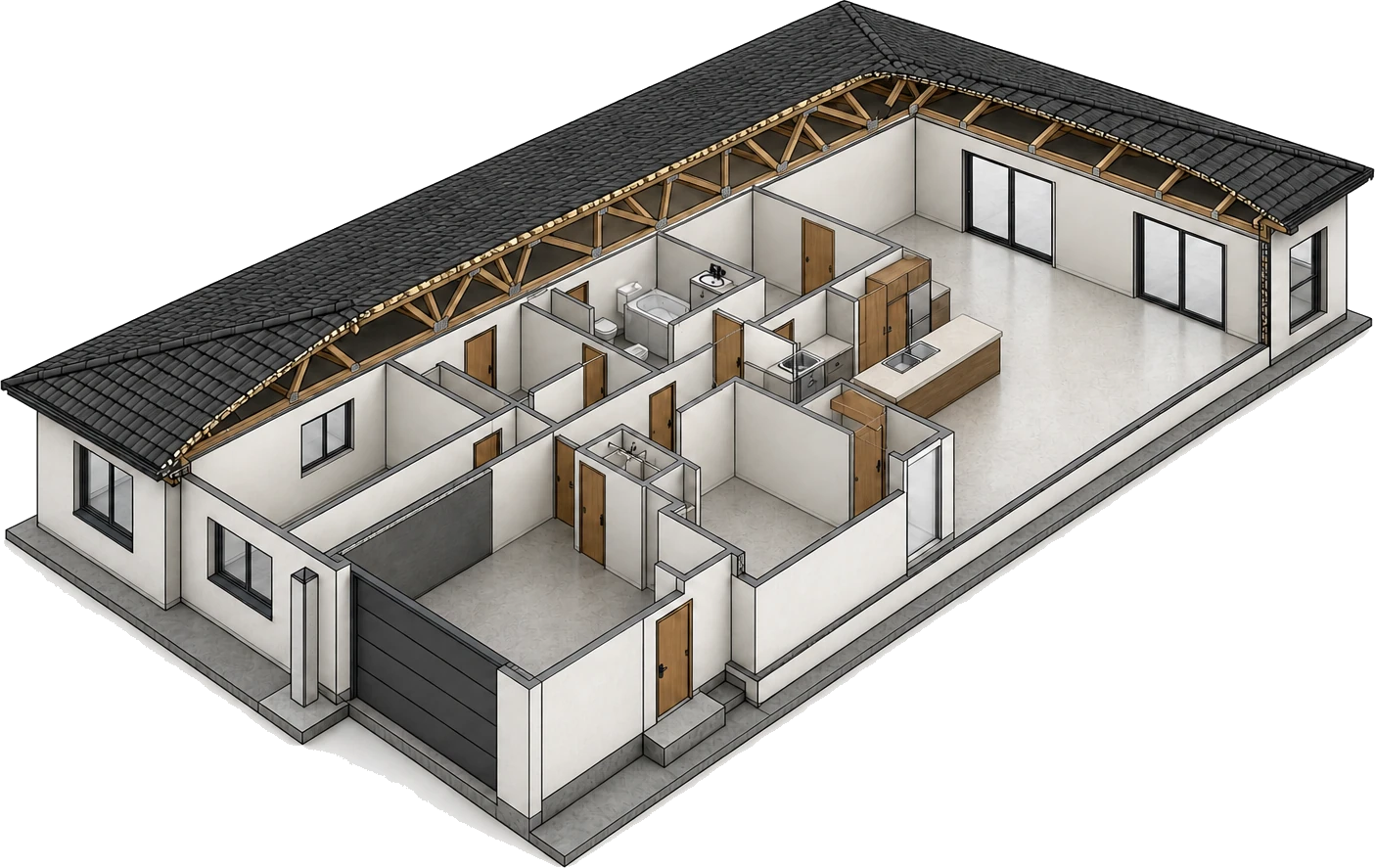
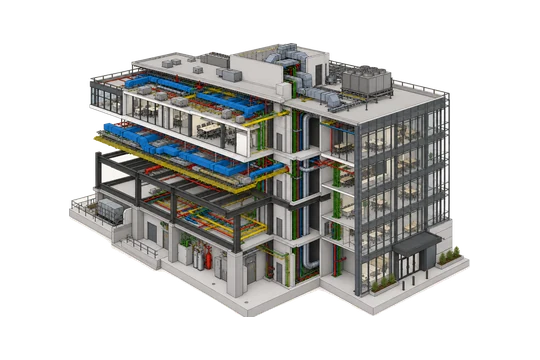
An as-built BIM model is the record 3D model of a building as it exists today, rather than as it was originally designed. Usually built in Revit, it captures the geometry, materials, and systems in place and gives you a baseline for renovation, retrofit, coordination, and facility management. If you need 2D record sheets instead of a 3D model, see our as-built drawings service.
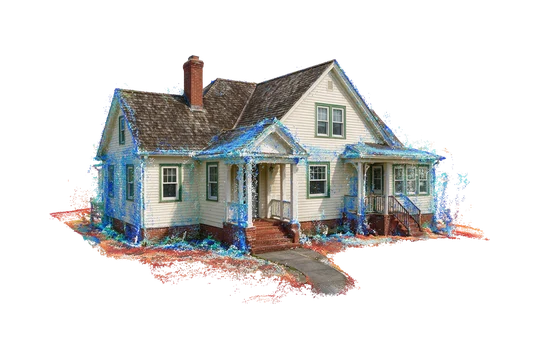
Our as-built BIM modeling services usually start with a registered point cloud from a laser scan, backed by field measurements and legacy drawings. Each captured wall, beam, duct, and pipe is modeled where it sits on site. Every element also carries data, so the same model can generate coordinated plans, sections, and schedules on demand.
Owners and design teams use as-built models to plan renovations, run clash detection between new work and existing conditions, and give facility managers a measured model of the space they operate. We model the disciplines you need to the Level of Development (LOD) the project calls for, then verify the result against the captured site conditions.
As-designed vs as-built
ΔWhere the building as built departs from the drawings
What we deliver
What's included in an As-Built BIM Model
A coordinated Revit model of the existing structure, verified against the point cloud, plus the views, schedules, and element data your team needs to start using it on delivery.
-
Coordinated Revit Model
One coordinated Revit model of the existing building, or linked discipline models, ready to open and build on.
-
Discipline Coverage
Architectural, structural, and MEP elements modeled to the scope and development you set.
-
Plans, Sections & Elevations
Coordinated views generated directly from the model, consistent because they share one source.
-
Schedules & Element Data
Parameter-driven room, door, window, and equipment schedules, plus COBie data for facility handover.
-
Point Cloud Alignment
The model is fitted to the registered scan, so its geometry follows measured conditions.
-
Deviation Report
A clear note of where the model matches within tolerance and where conditions vary.
-
Your BIM Standards
Delivered on your template, families, worksets, and naming, per the project execution plan.
Inside the model
Disciplines in an as-built Revit model
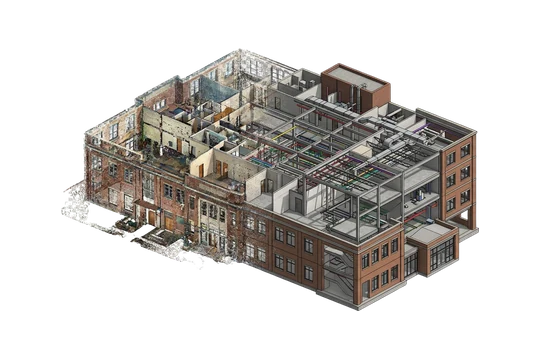
Each discipline in an as-built BIM model is captured as geometry that carries data, so you get a full picture of the space, its structure, and the systems running through it.
Architectural
Walls, doors, windows, ceilings, stairs, and interior finishes, placed to match the space as it stands.
Structural
Columns, beams, the framing system, floors, and slabs, modeled from the scan so the load path is easy to follow.
Mechanical / HVAC
Ductwork, air handling units, diffusers, and the routes they take through the building.
Electrical
Panels, cable trays, conduit runs, and major fixtures, captured where they sit on site.
Plumbing
Supply and waste pipe runs, fixtures, and equipment, modeled to the installed layout.
Site / Civil Context
Immediate grade, hardscape, and adjacencies added where site context is in scope.
Verified before hand-off. We check every discipline against the registered point cloud. Deviation checks confirm that scanned elements sit within the agreed tolerance and flag anything outside it before the model reaches you.
Why it matters
Why is an As-Built BIM Model necessary?
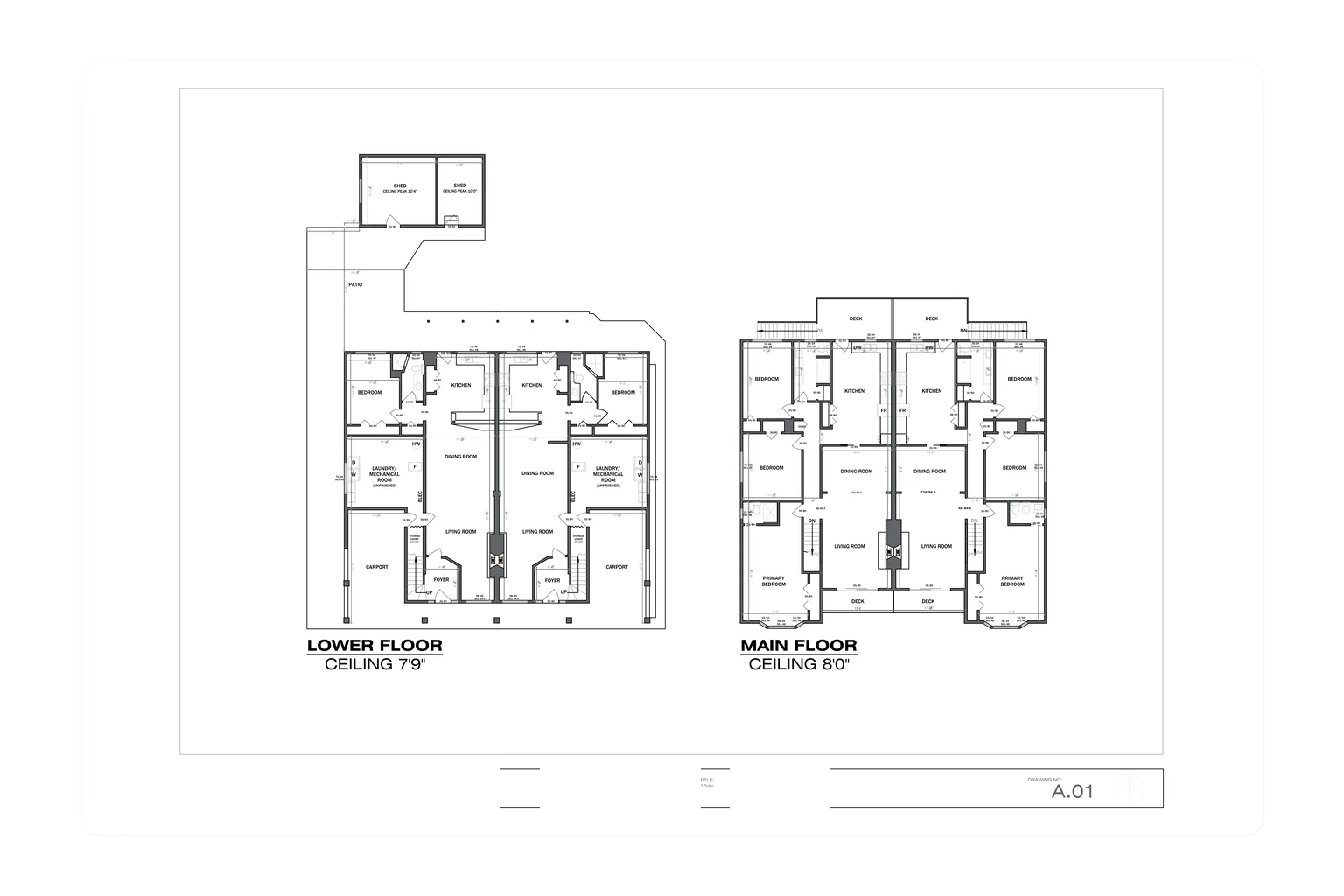
Most existing buildings are documented, if at all, by drawings that drifted from reality years ago, and every renovation, retrofit, or maintenance decision based on them carries risk. An as-built BIM model replaces them with a measured record of the building in its current condition.
The same data-rich model can serve the renovation team now and the people who run the building after handover.
-
Designers get accurate existing conditions, so renovation and remodeling decisions rest on measured data instead of outdated drawings.
-
Clash detection checks new design work against existing structure and MEP before anything is built.
-
Facility managers get a current model of the building for space management and maintenance.
-
Verification against the point cloud gives you a record checked to a stated tolerance.
-
Architecture, structure, and MEP are coordinated in one model or a linked set, so every discipline works from the same data.
-
The model is an asset record that stays useful through future fit-outs, expansions, upgrades, and sales.
Where it applies
Industries We Serve
-
01
Architects & Design Firms
A measured existing-conditions model for remodeling and additions, without re-surveying yourself.
-
02
Building Owners & Facility Managers
An as-built Revit model for operations, space planning, and maintenance, with COBie data for facility handover.
-
03
General Contractors
Accurate as-is models to plan sequencing and coordinate new work against real conditions.
-
04
Engineering Firms
Structural and MEP records of existing systems as a basis for retrofit and upgrade design.
-
05
Real Estate & Asset Managers
Model-based building records for due diligence, valuation, and portfolio documentation.
-
06
Government & Public Sector
Record models for government and public-sector projects to plan renovation and maintenance work.
-
07
Industrial Facilities
As-built models of manufacturing plant layouts and installed equipment for upgrade and retrofit planning.
How it works
Our As-Built BIM Modeling Process
01
Scope & Standards
We agree on the disciplines, Level of Development, tolerance, and your template and naming rules.
02
Prepare the Data
We register the point cloud and gather field notes and drawings to drive the model.
03
Model the Disciplines
Architectural, structural, and MEP elements are built in Revit, fitted to the scan.
04
Verify Against Reality
We run deviation checks against the point cloud and resolve anything outside tolerance.
05
Deliver & Support
We hand over the model, views, and deviation report, then answer questions as your team starts working in it.
Why Arcengine
Why Choose Us
Multi-Discipline BIM Team
Modelers from our 70+ person team handle as-built architecture, structure, and MEP in one coordinated model.
Scan-Driven Accuracy
Models fitted to registered point clouds, so geometry reflects measured site conditions.
Verified to Tolerance
Deviation checks against the scan, with a report on where the model matches and where it varies.
Pilot, Fixed Price
Start with a pilot on your own scan or drawings, turned around in 48 hours, then get a fixed-price quote for the full model.
LOD Agreed per Discipline
We agree on the Level of Development for each discipline up front, so effort goes into the data you will use.
Confidential & Secure
Your scans, drawings, and models handled securely. We sign NDAs on request.
Explore more
Our Other Services
Frequently Asked Questions
An as-built BIM model is a record 3D model, usually built in Revit, of a building as it exists today. Unlike a design model, it shows what was built, including changes made on site and in later renovations, so design, construction, and facility management teams can plan new work from measured conditions.
As-built drawings are 2D record sheets that document the project as constructed. An as-built BIM model is a 3D model of the same conditions in which every element carries geometry and data. The model can generate coordinated plans, sections, and schedules, and it supports clash detection and analysis that flat drawings cannot.
We model architectural elements such as walls, doors, windows, and finishes, structural framing and floors, and MEP systems including HVAC, electrical, and plumbing. Site and civil context can be added where it is in scope. You choose the disciplines and the Level of Development that fit the project.
The most accurate input is a registered point cloud from a laser scan, plus any existing drawings, photos, and field notes. Where a scan is not available, we can work from measured field data and legacy drawings, and we flag any areas that carry more uncertainty. If your drawings are already accurate and just need converting, see CAD to BIM.
Modeled elements are fit to the point cloud and checked against it for deviation. We agree on a tolerance up front, then report where the model matches within that tolerance and where existing conditions vary, so you know how far the record can be trusted.
We model as-built geometry to the Level of Development the project needs, commonly LOD 200 to LOD 350, agreed per discipline before modeling starts. Some BIM execution plans call a field-verified record LOD 500. In the BIMForum LOD Specification, LOD 500 means verification against site conditions rather than extra detail, and our deviation check against the point cloud provides that verification.
Yes. We model to your template, families, worksets, naming, and the project execution plan. We also work to ISO 19650 for information management. A sample area is approved before full production so the delivered model drops straight into your environment.
Yes. We keep your scans, drawings, and models confidential and handle them securely for the whole project. We'll sign an NDA before you share files. If your facility or client requires a specific file-transfer method, raise it at scoping and we'll agree on the transfer setup before work starts.
Get in touch
A record model you can trust
Send your point cloud, field data, or existing drawings. We will confirm the disciplines, Level of Development, and tolerance, then send a fixed-price quote for a verified as-built Revit model.