
BIM Modeling
Structural BIM Services
Structural BIM modeling in Revit or Tekla Structures: steel and concrete framing, foundations, connections, and rebar, built to your BIM Execution Plan and ready for detailing and fabrication.
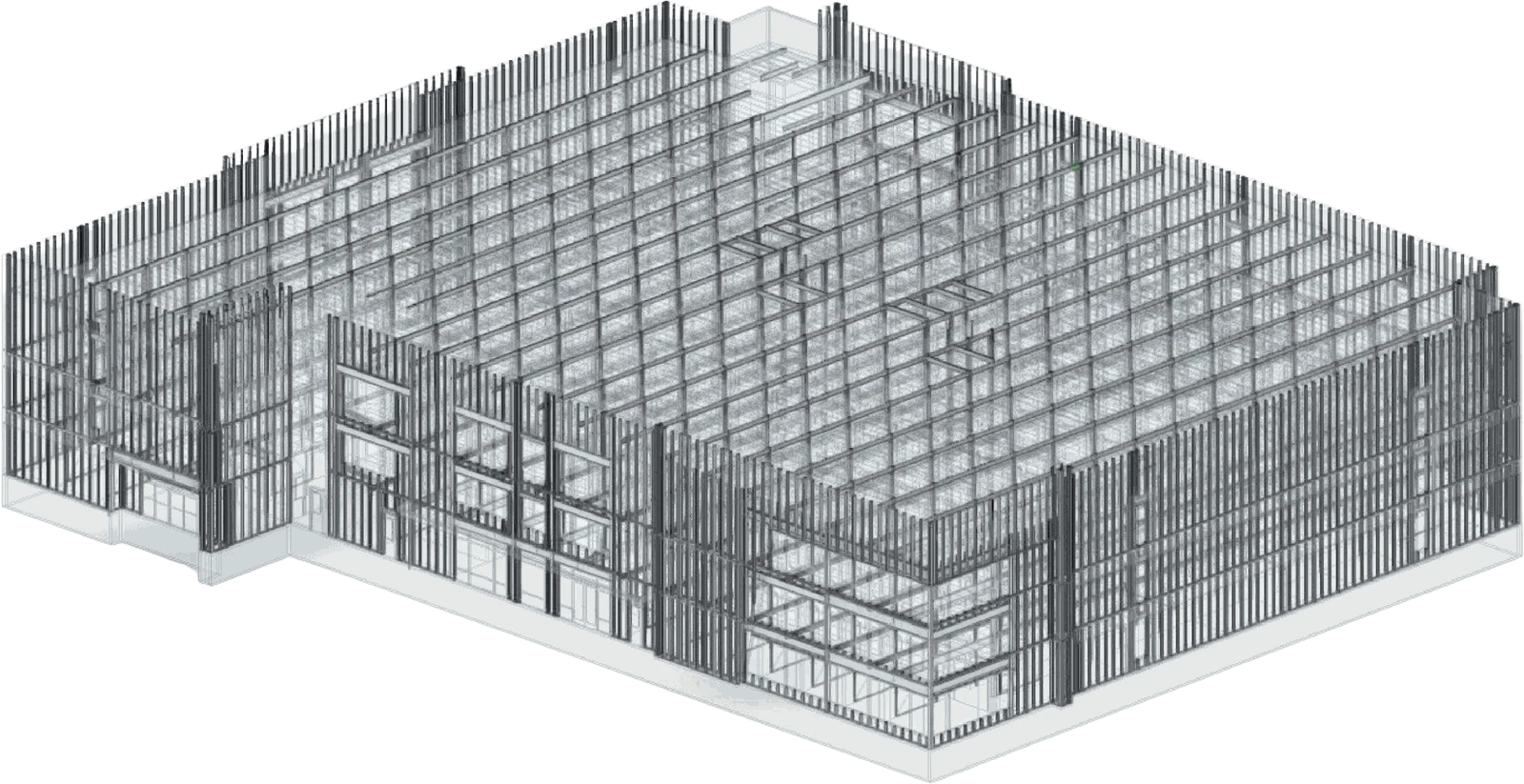
Structural BIM
Steel and concrete elements we model
Steel Columns Steel Beams Concrete Slabs Foundations Spread Footings Pile Caps Shear Walls Braced Frames
Steel Trusses Bar Joists Moment Connections Base Plates Embed Plates Stairs & Ramps Retaining Walls Composite Decks
Overview
What is structural BIM?
Structural BIM is a coordinated 3D model of a building's structure in which each beam, column, slab, and footing is an object carrying its own size, material, and level. We build it in Revit or Tekla Structures, and because every element lives in one model, the drawings and quantities stay in step with it.
Engineers, architects, contractors, and fabricators all work from the same structural model, so conflicts with the architectural and MEP models show up early. We model to your design intent, and a change made once in the model updates every sheet in the set.
We build structural models from CAD drawings, PDFs, sketches, and engineering markups, at the Level of Development your project needs. Steel and rebar detailing can then start from the finished model instead of a redraw.
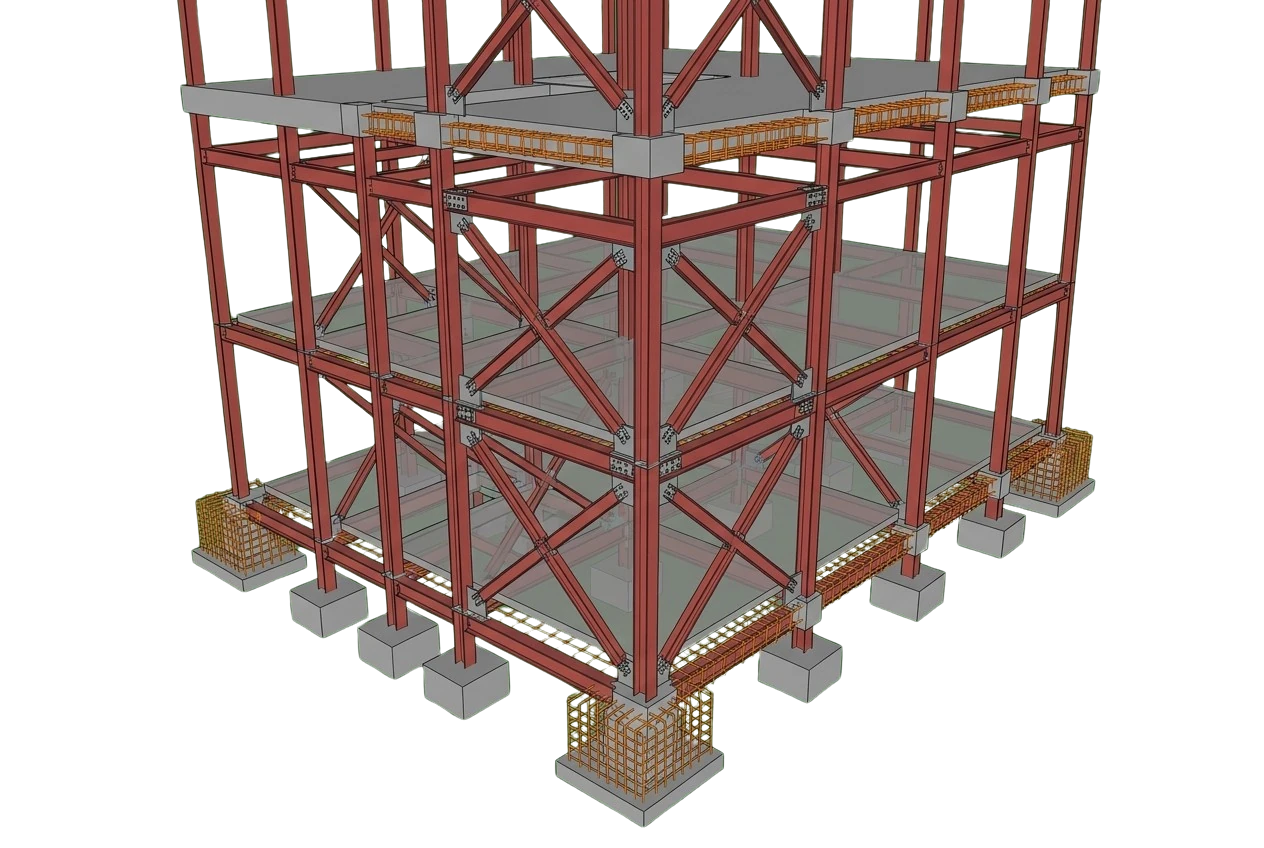
What we deliver
What's included in our structural BIM services
Our structural BIM modeling services cover steel and concrete structures from design development through construction documentation. You receive the coordinated model plus the drawings and schedules generated from it.
-
Structural Revit/Tekla Model
A coordinated 3D structural model built in Revit or Tekla to your BIM Execution Plan.
-
Structural Steel
Steel columns, beams, girders, bracing, and plates, with connections modeled for shop detailing.
-
Concrete & Rebar
Concrete slabs, walls, beams, and footings, with reinforcement modeled to the LOD your project calls for.
-
Structural Drawings
Plans, sections, elevations, and details cut from the model onto sheets in your title block.
-
Schedules & Takeoffs
Column, beam, and footing schedules, plus model-based quantity takeoffs for cost estimating.
-
Structural BIM Coordination
Structure checked against the architectural and MEP models you share, with conflicts flagged.
-
Structural Revit Families
Custom steel profiles, embeds, and connection components built as Revit families to your standards.
What we model
How we model each structural system
From the roof framing down to the footings, each system is modeled in Revit or Tekla, so schedules and detailers draw on the same data.
Steel & Concrete Framing
Steel trusses, bar joists, and braced frames, modeled alongside the concrete framing.
Columns & Beams
Columns, beams, and girders placed on grid with correct sizes, levels, and offsets.
Slabs & Decks
Floor and roof slabs, metal decks, and openings modeled at their design thickness.
Foundations & Footings
Footings, piles, pile caps, grade beams, and foundation walls tied to the framing above.
Stairs & Misc. Steel
Stairs, ramps, and embed plates modeled where they tie into the main structure.
Rebar & Reinforcement
Concrete reinforcement modeled in place for coordination and takeoff.
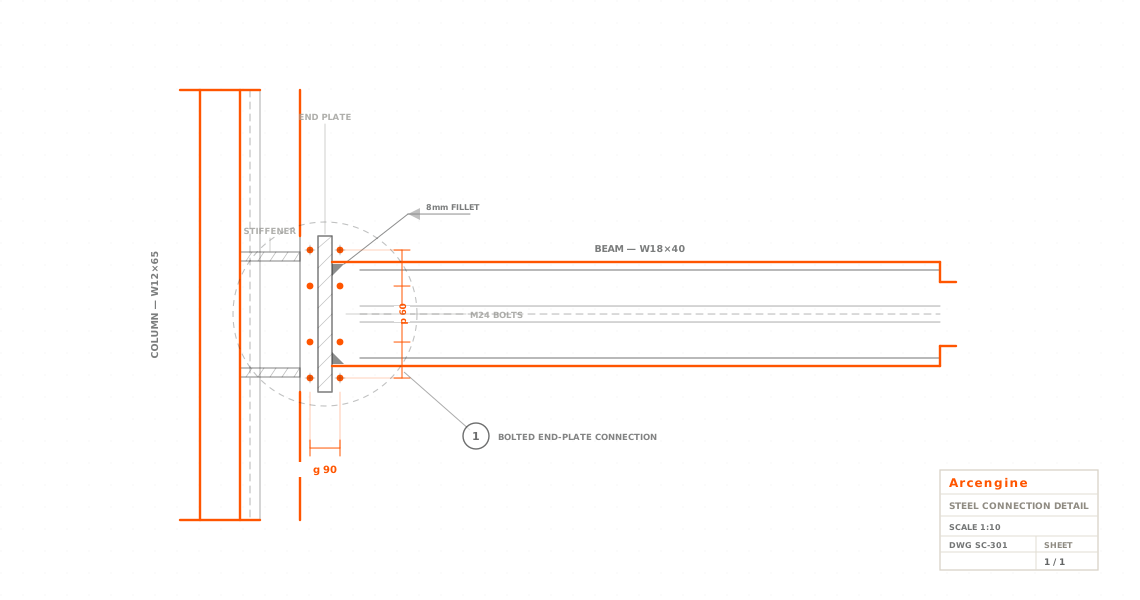
Why it matters
Benefits of structural BIM modeling
A structural model lets you check the frame before it is built. With the steel, concrete, and rebar in one coordinated model, problems show up on screen before they reach the field, where fixing them costs time and money.
The model also produces the sheets, schedules, and quantities, so your team works from one model through documentation and fabrication.
-
The coordinated model catches conflicts before construction, so there are fewer clashes and less rework.
-
Sheets and schedules stay consistent because they are generated from one model.
-
Quantities and takeoffs come straight from the model, so they update when the design changes.
-
The model supports steel and rebar detailing downstream without rebuilding the geometry.
-
It coordinates with the architectural and MEP models so the structure fits the whole building.
-
Contractors can plan construction sequencing and fabrication from the same model.
Where it applies
Industries We Serve
-
01
Structural Engineers
Your design turned into a coordinated model on schedule, for engineering firms and structural consultants.
-
02
Steel Fabricators
Structural models that feed directly into steel detailing and shop drawings.
-
03
General Contractors
Coordinated models for clash review, quantities, and construction sequencing.
-
04
Architects
Structural models coordinated with the architectural design across the project.
-
05
Precast Manufacturers
Structural models that support precast layout and production planning.
-
06
Rebar Shops
Reinforcement modeled in place, ready for downstream rebar detailing and takeoff.
-
07
Industrial & Public Sector
Steel and concrete models for industrial facilities and for government and public-sector projects.
How it works
How a structural BIM project runs
01
Confirm scope, LOD & standards
We review your drawings, specs, and BIM Execution Plan, then agree on scope, LOD, and formats.
02
Model the structure
We build framing, columns, slabs, and foundations in Revit or Tekla on grid.
03
Detail connections & rebar
We model steel connections and concrete reinforcement to the required detail.
04
Coordinate & QA
We coordinate with architecture and MEP and check the model for clashes and quality.
05
Deliver in your formats
We cut plans, sections, and schedules from the model, then issue the native model, IFC, and DWG.
Why Arcengine
Why Choose Us
Build-Ready Modeling
Structural models built to go straight into documentation, detailing, and fabrication.
Revit & Tekla Expertise
Revit and Tekla Structures modelers, part of our 70+ member drafting and BIM team.
Coordinated with Other Trades
Structural models checked against the architectural and MEP models during coordination and QA.
Works to Your Standards
Your templates, families, naming rules, and BIM Execution Plan, followed exactly.
Fixed Price, Deadlines Kept
You get a fixed-price quote for the job, and we keep the deadlines we agree to.
Confidential & Secure
We sign NDAs on request. Your models and project data stay private.
Explore more
Our Other Services
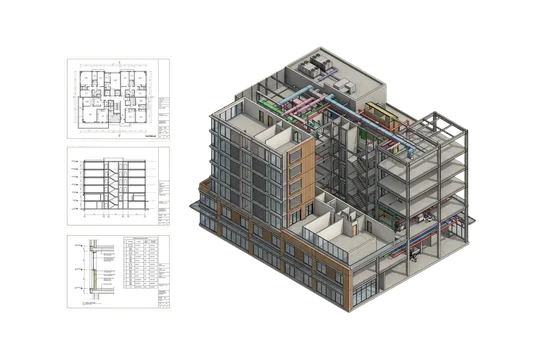
FAQs
Frequently Asked Questions
Structural BIM includes a coordinated 3D model of the frame, floors, foundations, connections, and rebar, plus the plans, sections, schedules, and quantities cut from it. We build it in Revit or Tekla Structures as part of our BIM modeling services.
We model in Revit and Tekla Structures. You receive the native model (RVT for Revit projects, the Tekla model for Tekla projects), IFC files for other BIM platforms, and DWG sheets for CAD users.
We model to the Level of Development set in your BIM Execution Plan, from LOD 100 through LOD 400. LOD 350 adds connections, base plates, and anchor rods so the frame can be coordinated with other trades, and LOD 400 adds fabrication detail such as bolts, welds, and complete reinforcement. For a field-verified record of an existing structure, see our as-built BIM models.
Yes. We build structural models from CAD drawings, PDF sheets, hand sketches, and engineering markups, and we confirm assumptions with your team before modeling starts. To model an existing structure from laser scans, see our Scan to BIM service.
Yes. We model steel connections and concrete reinforcement in place, and build structural models that support precast layout and production planning. The connection and rebar data stays in the model, ready for your steel and rebar detailers.
Yes. For structural BIM coordination, we check the structure against the architectural and MEP models you share and flag conflicts for your team before sheets are issued. For coordination across all trades, see our BIM coordination services.
We quote a fixed price for each structural BIM project before modeling starts. The price depends on the structural system (steel, concrete, or both), whether connections and rebar are in scope, and the target LOD. You can start with a pilot on a real sheet or model, turned around in 48 hours and built to your templates and standards, then decide on the full project.
Structural BIM produces the coordinated design model of the whole structure, while detailing produces the drawings that fabricators and field crews build from. Steel detailers develop shop and erection drawings, and rebar detailers produce placing drawings and bar lists, using the design model as their starting point. We can hand the finished model to our steel detailing and rebar detailing services.
Get in touch
Build-ready structural models
Send us your structural drawings in CAD or PDF. Once we agree on scope and LOD, you get a fixed-price quote, then a coordinated Revit or Tekla model, plus IFC and DWG files.