
BIM Services
BIM Modeling Services
Coordinated, build-ready BIM: architectural, structural, and MEP models, Scan to BIM conversion, clash detection, and Revit families your team can build and manage from.
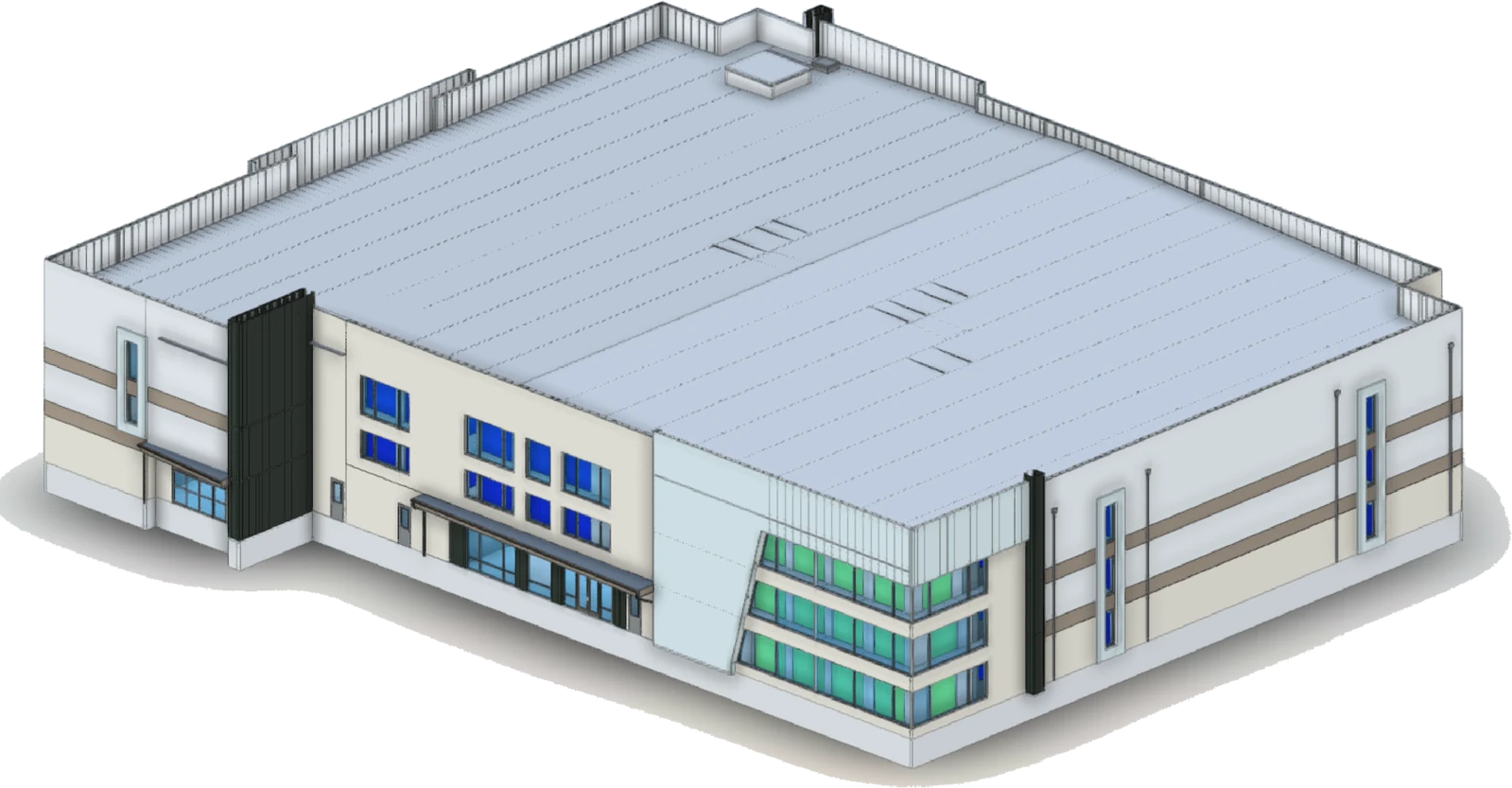
What we model
Our BIM Modeling Services
-
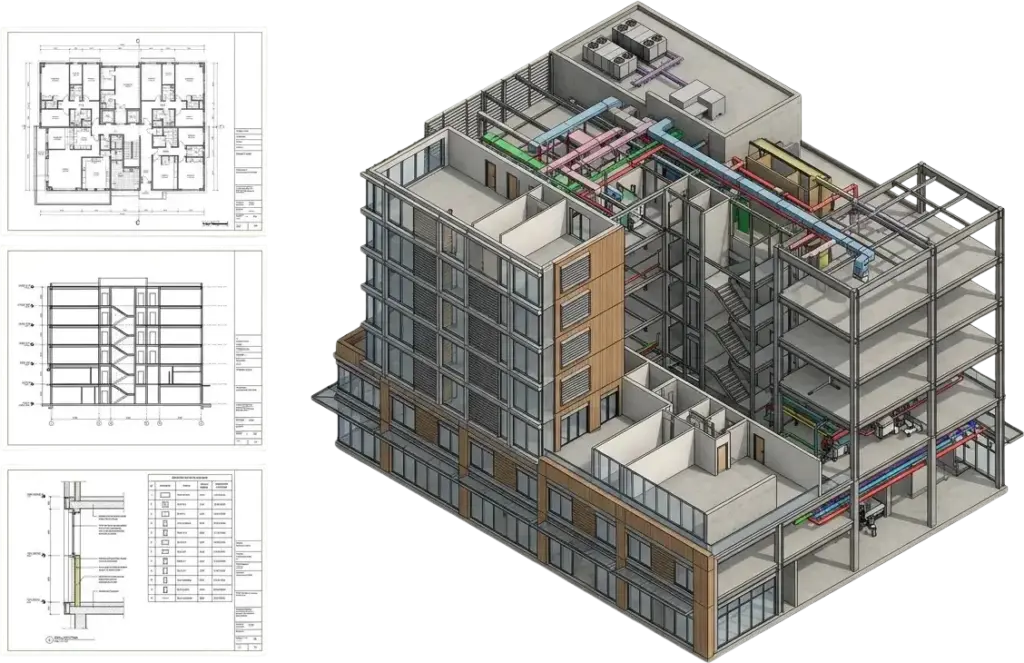
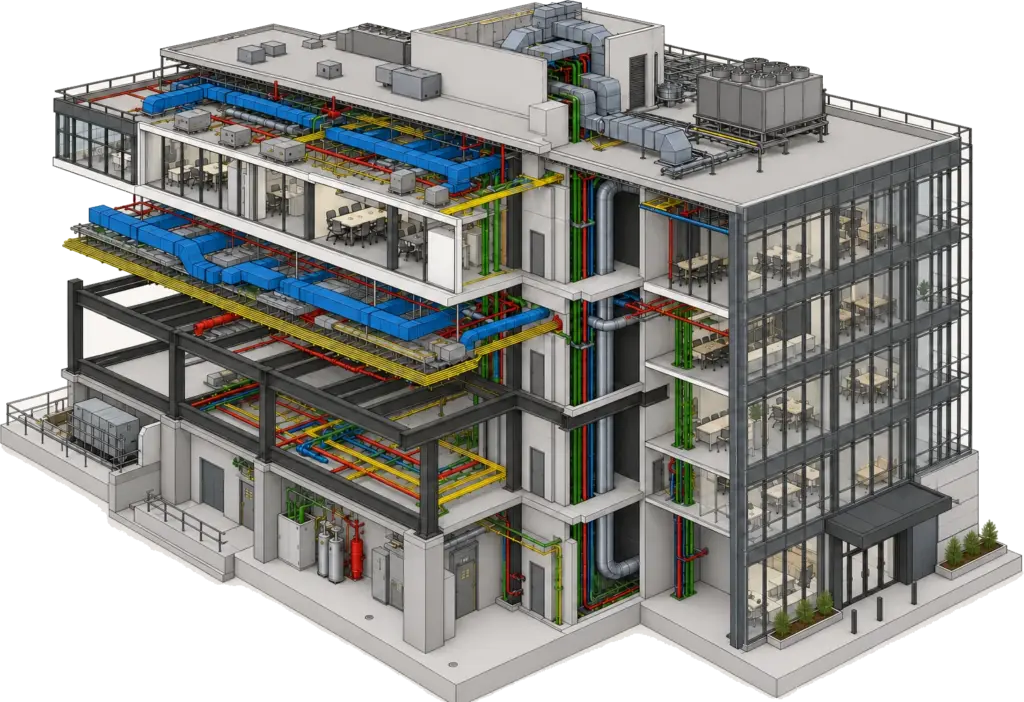
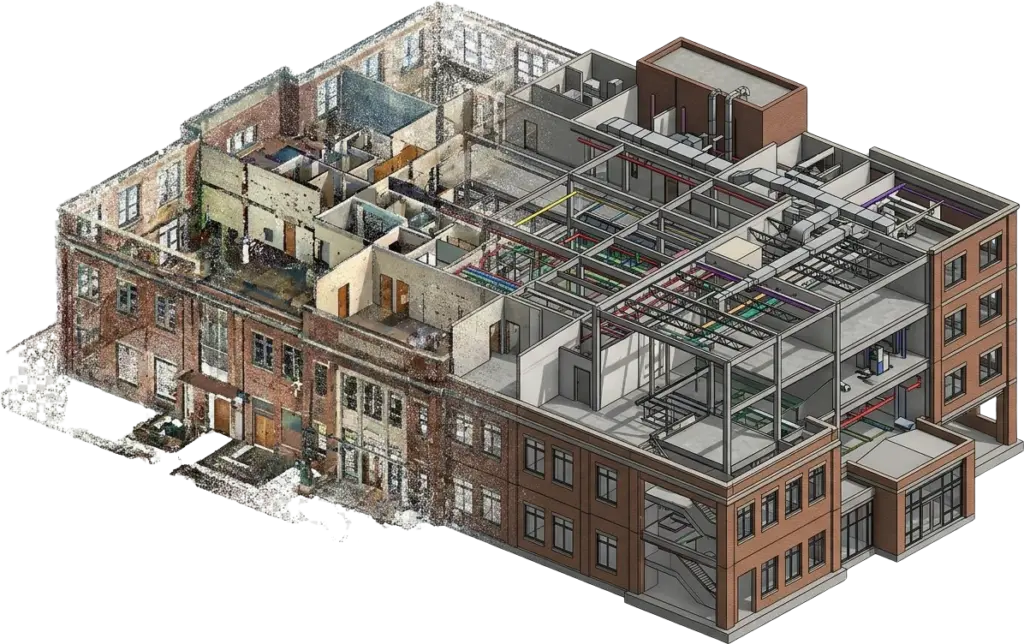
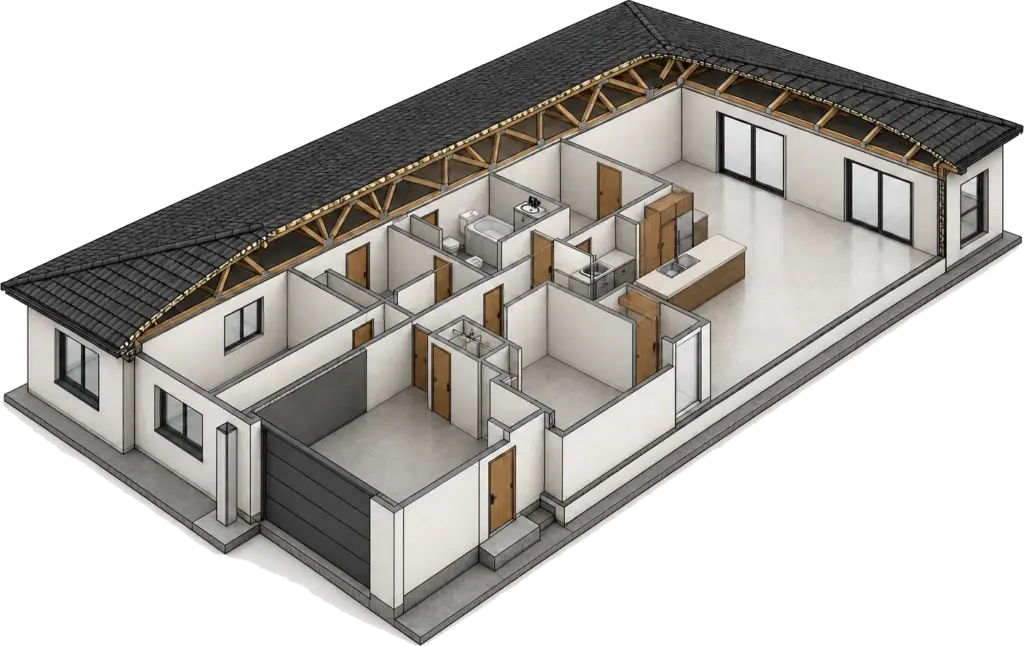
Architectural models with walls, floors, roofs, openings, and finishes, modeled to your LOD and standards for design and documentation.
-
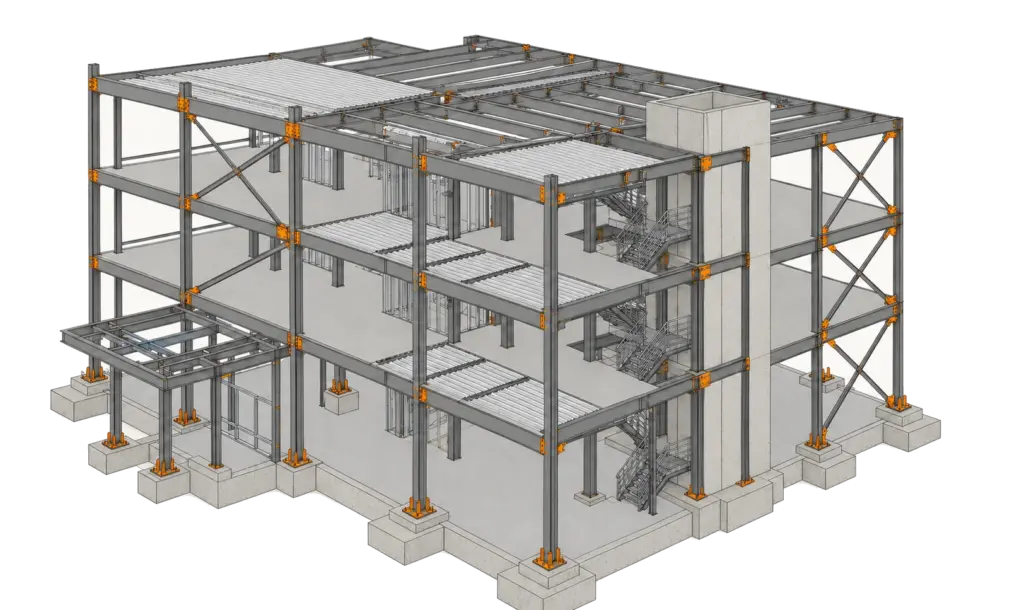
Structural framing, columns, slabs, and foundations modeled in Revit or Tekla, coordinated with the design intent.
-
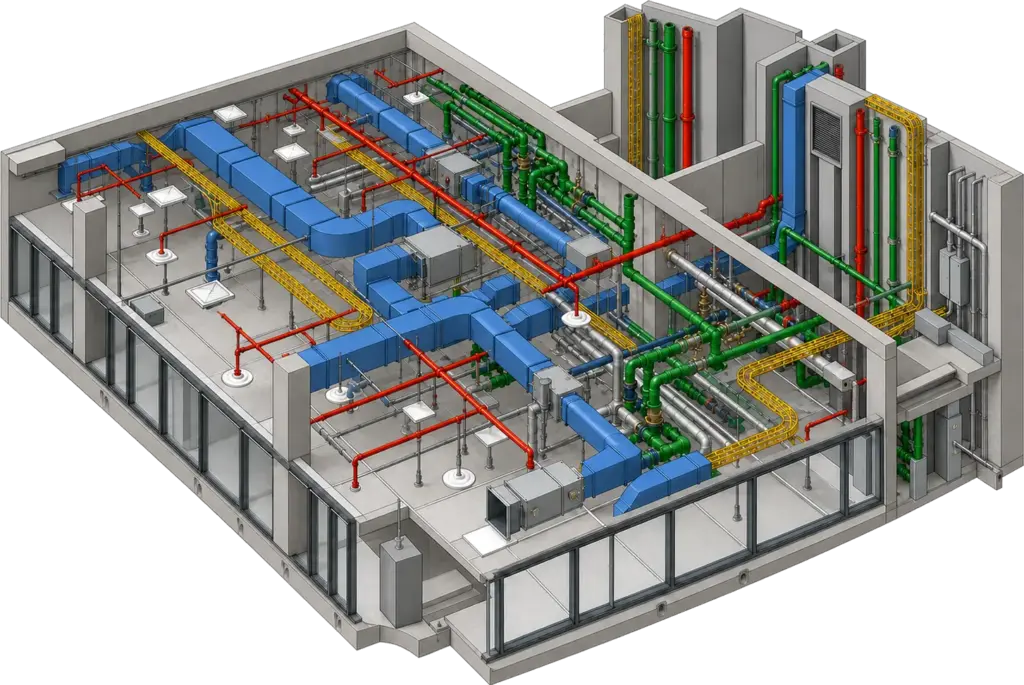
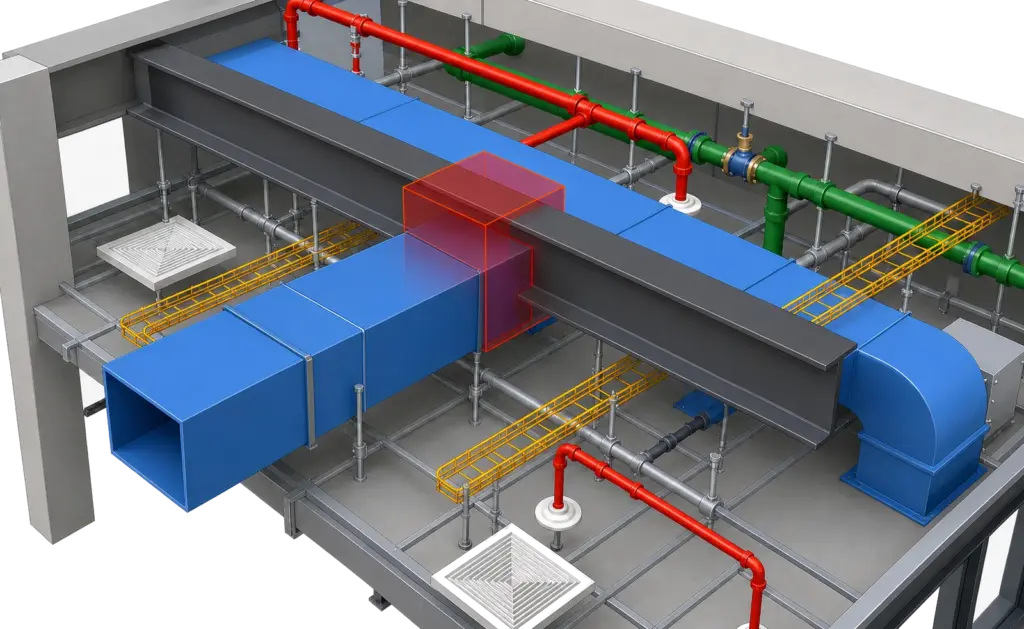
Mechanical, electrical, plumbing, and fire-protection models: ductwork, piping, cable trays, and equipment ready for coordination.
-
Federated models clash-tested in Navisworks with tracked reports. Conflicts get resolved before they reach site.
-
Discipline models federated on shared coordinates and checked across trades, so every team works from one coordinated model.
-
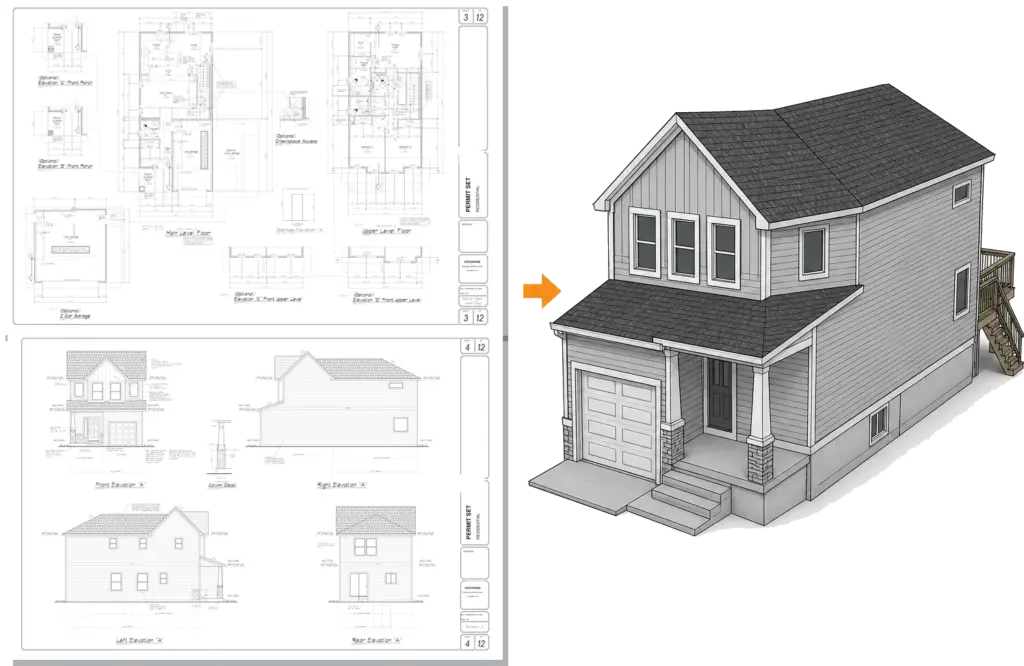
2D CAD drawings and PDFs rebuilt as parametric Revit models, with sheets and schedules drawn from the model.
-
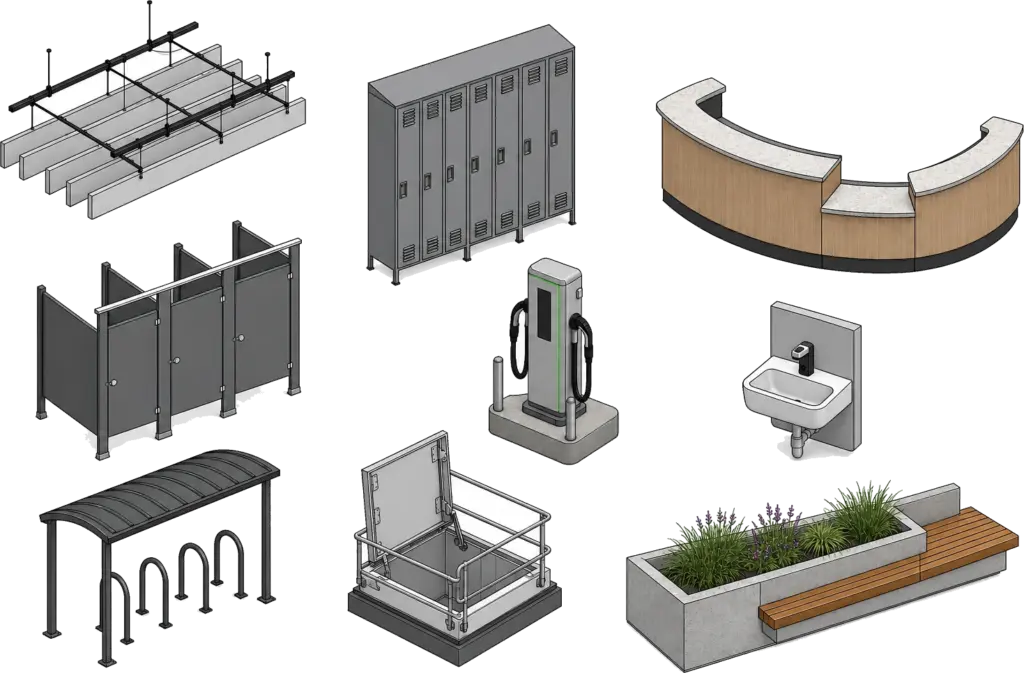
Parametric families and components built to your library standards, from manufacturer specs, drawings, or samples.
-
Point clouds you've already registered, converted into accurate Revit models with LOD set per element by your execution plan.
-
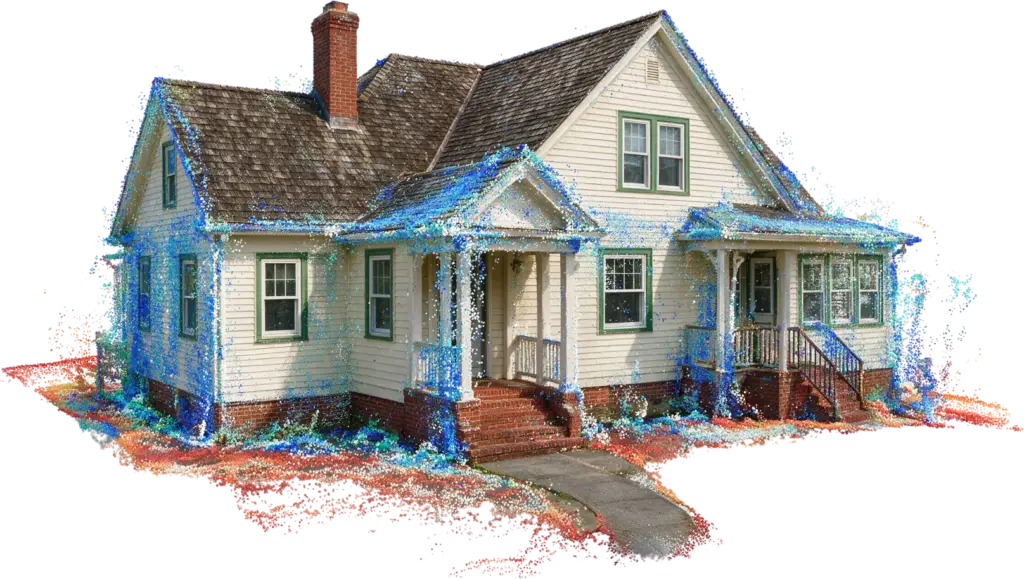
Raw laser scans registered and cleaned up, then modeled in Revit for renovation, retrofit, and facility management.
-
Record models of the building as it stands, built and updated from scans, markups, and site data.
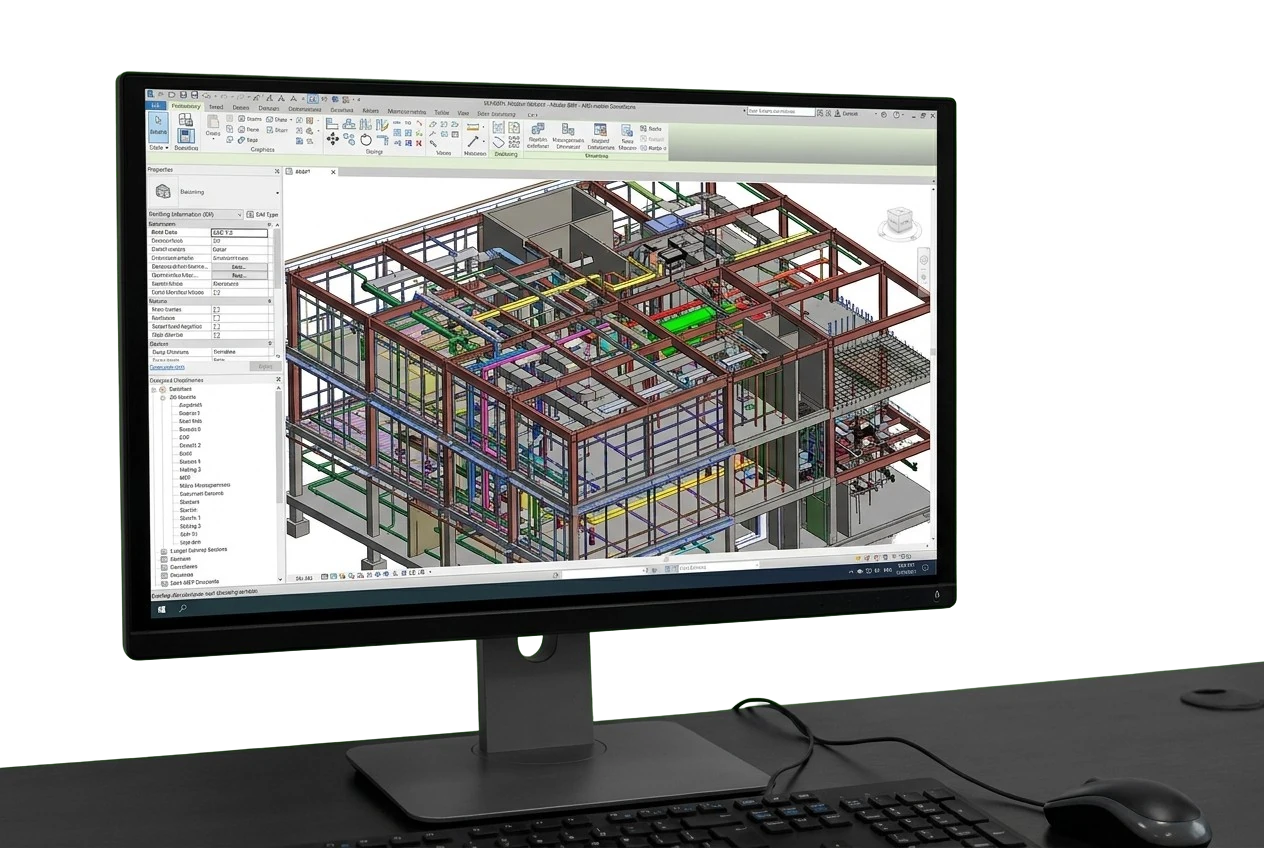
Modeled in Revit
The work
BIM models you can coordinate and build from
BIM modeling services build your project's Building Information Model: a data-rich 3D model, authored in Revit from your drawings or scans and clash-checked to reduce rework on site.
Each discipline model is built to your BIM Execution Plan (BEP) and standards for design development and documentation, and can later be updated to as-built for facility management.
Tools & software
The BIM software we model in
We work in the BIM software your team already runs, so you receive native files you can open and keep editing.
Revit
Authoring & documentation

Navisworks Manage
Coordination & clash detection

ReCap
Point-cloud processing

Tekla Structures
Structural BIM
AutoCAD
CAD backgrounds & conversion

Bluebeam
Markups & QA
What you receive
What lands in your inbox
Every model is issued coordinated and checked: discipline models, federations, families, and sheets in the formats your BIM workflows run on. Tell us your BEP and standards, and we deliver to match.
Discipline BIM Models
Architectural, structural, and MEP models in Revit, to the LOD your execution plan calls for.
Federated Model & Clash Reports
A coordinated NWD or IFC federation, with clash reports that track each issue through to resolution.
Quantity Takeoffs
Model-based quantity takeoffs for cost estimating, pulled from the same Revit files as your sheets.
Revit Families
Parametric families for your BIM content library, built to your standards and naming.
Construction Documentation
Plans, sections, elevations, and schedules taken straight from the model.
Native & IFC Handover
RVT, NWD, and DWG, plus open-standard IFC, sent through your CDE or preferred channel.
Formats
Your data in, your formats out
Send whatever your project runs on, and we return coordinated models and drawings in the formats your workflows and CDE expect.
We take
Scans, drawings & models
E57 RCP / RCS LAS / LAZ PTX DWG / DXF PDF RVT Photos & site data
We return
Coordinated BIM deliverables
RVT IFC (2x3 / 4) NWD / NWC DWG PDF COBie Families & schedules
How we work
Our BIM Modeling Workflow
Every BIM modeling project follows these six steps, from scoping to handover in your CDE. Scan to BIM jobs add point cloud registration at step 02, while CAD to BIM conversions start from your drawings and skip registration.
Project Discovery
Scope, LOD, deliverables, and your BEP reviewed and agreed before modeling starts.
Input Review
Drawings and scans checked against scope, with point clouds registered where needed.
Discipline Modeling
Architectural, structural, and MEP elements modeled in Revit to your LOD.
Coordination & Clash
Models federated in Navisworks and clash-tested, issues tracked to resolution.
QA & Standards Check
Geometry, naming, parameters, and IFC exports checked before issue.
Handover
RVT, IFC, NWD, and DWG delivered via ACC, BIM 360, or your CDE.
Model detail, defined
Level of Development: LOD 100 to 500
In the BIMForum LOD Specification, LOD describes how far an element's geometry and information can be relied on. We model each element to the LOD your BEP calls for. If you're not sure which level fits, we'll recommend one based on how the model will be used.
-
LOD 100
Concept
Massing and area studies, for early-stage planning and buy-in.
-
LOD 200
Approximate
Generic elements with approximate size, shape, and location, for design development.
-
LOD 300
Precise
Specific size, shape, location, and orientation, for construction documents and coordination.
-
LOD 350
Coordination
Element interfaces and connections across trades, for clash resolution.
-
LOD 400
Fabrication
Detail sufficient for fabrication and installation.
-
LOD 500
As-Built
Field-verified and as-constructed: the record model for facility management.
Why Arcengine
Why Choose Us
Coordination that de-risks the build
Every discipline is federated in Navisworks and clash-tested, so conflicts are caught in the model instead of on site. That means fewer RFIs and less rework once the trades start. So far we have resolved 10,000+ clashes.
Built to your BEP
Naming, LOD, shared coordinates, and CDE handoff modeled to your execution plan and standards.
BIM under one roof
Architectural, structural, and MEP models, Scan to BIM, and coordination from one team, not several vendors.
Confidential & secure
We sign NDAs on request. Your files are shared only with the team on your project.
Scalable team
A 70+ person team lets us add modelers as your project volume grows.
Fast-track ready
Fixed-price quotes and deadlines we keep, even on fast-track and design-build schedules.
Where it applies
Industries We Serve
01
Surveyors & Scanning Firms
Point clouds turned into deliverable models your clients can use.
02
Architects & Designers
Design models and documentation support that extend your studio.
03
General Contractors
Federated, clash-checked models that cut construction risk.
04
MEP Contractors
Coordinated MEP models ready for prefabrication and installation.
05
Industrial & Public Sector
BIM for industrial facilities, plus government and public-sector projects.
06
Owners & Facility Managers
As-built models that keep operating data at hand.
By the numbers
Our Experience
1,000+ coordinated models delivered and 99% quality compliance, from a team serving firms in the U.S. and abroad.
12+ Years of Experience Of drafting, detailing and BIM work.
70+ Team Members CAD drafters, detailers and BIM modelers.
90+ Clients Served Firms that have sent us drafting, detailing and BIM work.
150K+ Hours a Year Production hours a year in drafting, detailing and BIM.
FAQs
Frequently Asked Questions
We offer architectural, structural, and MEP BIM modeling, BIM coordination, clash detection, Revit family creation, and as-built BIM models. We also turn existing data into Revit models: Scan to BIM from raw laser scans, Point Cloud to BIM from clouds you've already registered, and CAD to BIM from 2D drawings and PDFs.
To get started, send us what you have: point clouds (E57, RCP/RCS, PTS/PTX, LAS/LAZ), CAD drawings, PDFs, sketches, or an existing Revit model, plus your BIM Execution Plan or standards if you have them. We'll reply with a fixed-price quote, and you can begin with a pilot on a real sheet or model, turned around in 48 hours.
We model from LOD 100 to LOD 500, with the level set per element and phase in your BIM Execution Plan (BEP). LOD 350 covers the interfaces between trades needed for coordination, and LOD 400 adds fabrication and installation detail. If your BEP doesn't set one, tell us what the model is for and we'll suggest a level.
We author architectural and MEP models in Autodesk Revit, structural models in Revit or Tekla Structures, and run clash detection in Navisworks Manage. We process point clouds in ReCap, use AutoCAD for CAD backgrounds and conversion, and mark up and check sheets in Bluebeam.
Discipline models are federated in Navisworks Manage and tested for hard clashes, where elements physically overlap, and clearance clashes, where something intrudes on space needed for access, insulation, or maintenance. Every clash is logged in a tracked report and stays open until it is fixed in the model or approved as acceptable. Our clash detection and BIM coordination pages cover each process in full.
Yes. Naming, LOD, shared coordinates, worksets, and CDE handoff all follow your BIM Execution Plan (BEP) and standards. We work to ISO 19650 for information management. ISO 19650 is the international standard for managing information with BIM across an asset's full life cycle.
We check every model before issue, reviewing geometry, naming, parameters, and IFC exports against your project standards. Federated models are clash-tested in Navisworks Manage, and we mark up and track review comments in Bluebeam. You can also start with a pilot, turned around in 48 hours, and judge the output before committing to a full project.
We deliver native Revit files (RVT) and families (RFA), IFC2x3 or IFC4 for open exchange, Navisworks NWD and NWC files, DWG drawings, and PDF sheets, plus schedules exported from the model and COBie data for facility handover. Files go through Autodesk Construction Cloud (ACC), BIM 360, your own CDE, or whichever channel you prefer.
Get in touch
Start your BIM project
No polished package needed. For a fixed-price quote, send what you have:
Point clouds & scans
CAD drawings & PDFs
Revit models
Photos & site data