
Architecture
Presentation Drawings
We take your plans, elevations, and sections and re-present them with color, materials, furniture, and context, so clients, review boards, and buyers can read the design at a glance.
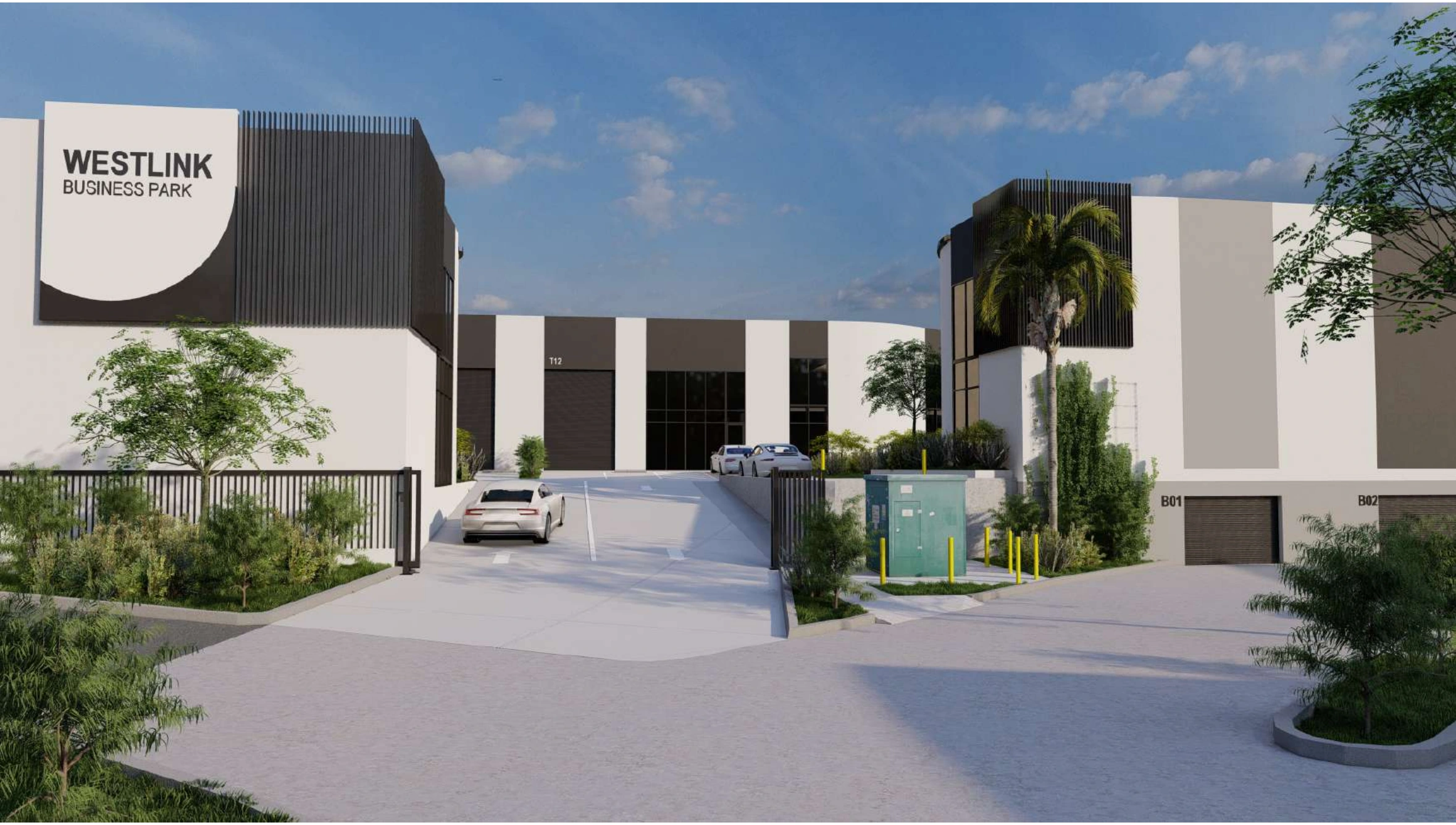
Presentation drawings
Formats we cover
Rendered Floor Plans Colored Site Plans Furniture Layouts Material Boards Concept Elevations Marketing Plans Sales Brochure Plans Design Competition Sheets
Landscape Presentation Plans Client Approval Sets Planning Submission Graphics 2D Renders Shaded Sections Annotated Concept Sheets Board Presentation Layouts Investor Pitch Drawings
Overview
What are Presentation Drawings?
Presentation drawings are the set you put in front of people who do not read construction drawings. They carry the same plans, elevations, and sections as the working set, but they are drawn to communicate: hatch patterns become color and texture, empty rooms get furniture and planting, and a full dimension string shrinks to a handful of clear labels.
A client deciding on a layout, a review board assessing a proposal, or a buyer looking at a brochure needs to grasp the design in seconds. A rendered plan with furniture, a shaded section, and a colored site plan do that far better than a technical sheet.
We prepare presentation drawings from your CAD, Revit, SketchUp, PDF, or hand sketches, composed in AutoCAD and Revit and finished in Photoshop or Illustrator, then laid out as sheets and boards that print cleanly and read well on screen.
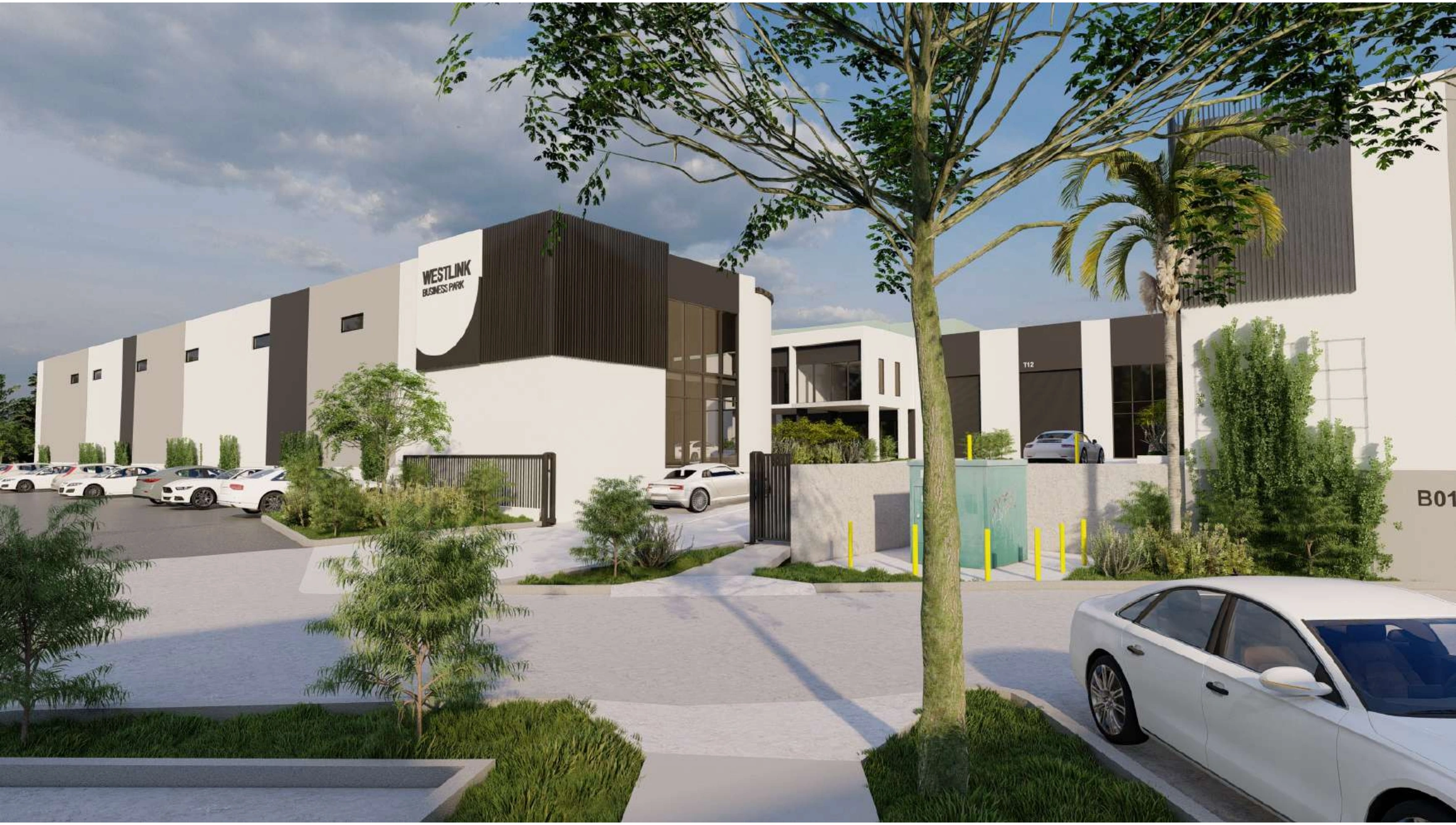
What we deliver
What's included in a Presentation Set
We compose every sheet from cleaned-up base geometry, with materials and shadows applied and annotation cut back to what the audience needs. The whole set follows one consistent graphic language.
-
Rendered Floor Plans
Plans with colored floor finishes, wall poche, drop shadows, and clear room labels.
-
Colored Site Plans
Site layouts with planting, paving, parking, and adjacent context read in color.
-
Furniture & Space Layouts
Scaled furniture, fixtures, and circulation drawn in so the viewer can judge how a room works.
-
Concept Elevations
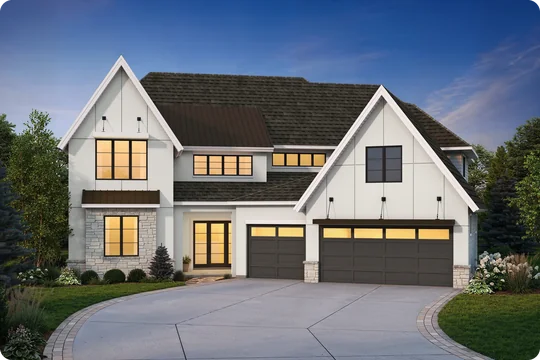
Elevations with material textures, glazing tone, shadow, and a landscape or sky backdrop.
-
Shaded Sections
Sections with a weighted cut line, rendered floors, and figures that give the space scale.
-
Material & Finish Boards
Finish swatches, textures, and product callouts arranged as a board that sits alongside the plans.
-
Sheet & Board Layouts
Drawings, keys, north points, titles, and logos composed into a finished sheet or display board.
Know the difference
How a presentation set differs from a working set
Both sets describe the same building. A working set leads with dimensions, tags, and code data because a contractor builds from it. A presentation set leads with color, texture, shadow, furniture, and context because a client, a review board, or a buyer has to understand it without any technical training.
Color and Material Rendering
Technical hatches give way to color, texture, and shadow so each material reads instantly.
Furniture and Context for Scale
Furniture, cars, planting, and neighboring buildings are drawn in so size and use are obvious.
Simplified Annotation
Dimension strings, wall tags, and code notes are stripped back to the few labels the viewer needs.
Graphic Hierarchy and Lineweights
Lines are reweighted so the cut, the floor surface, and the background sit in clear visual order.
Board and Sheet Composition
Drawings, keys, and titles are composed as a layout, with scales chosen to suit the sheet.
Export for Print and Screen
One set is prepared to hold up in large format print, on a projector, and inside a slide deck.
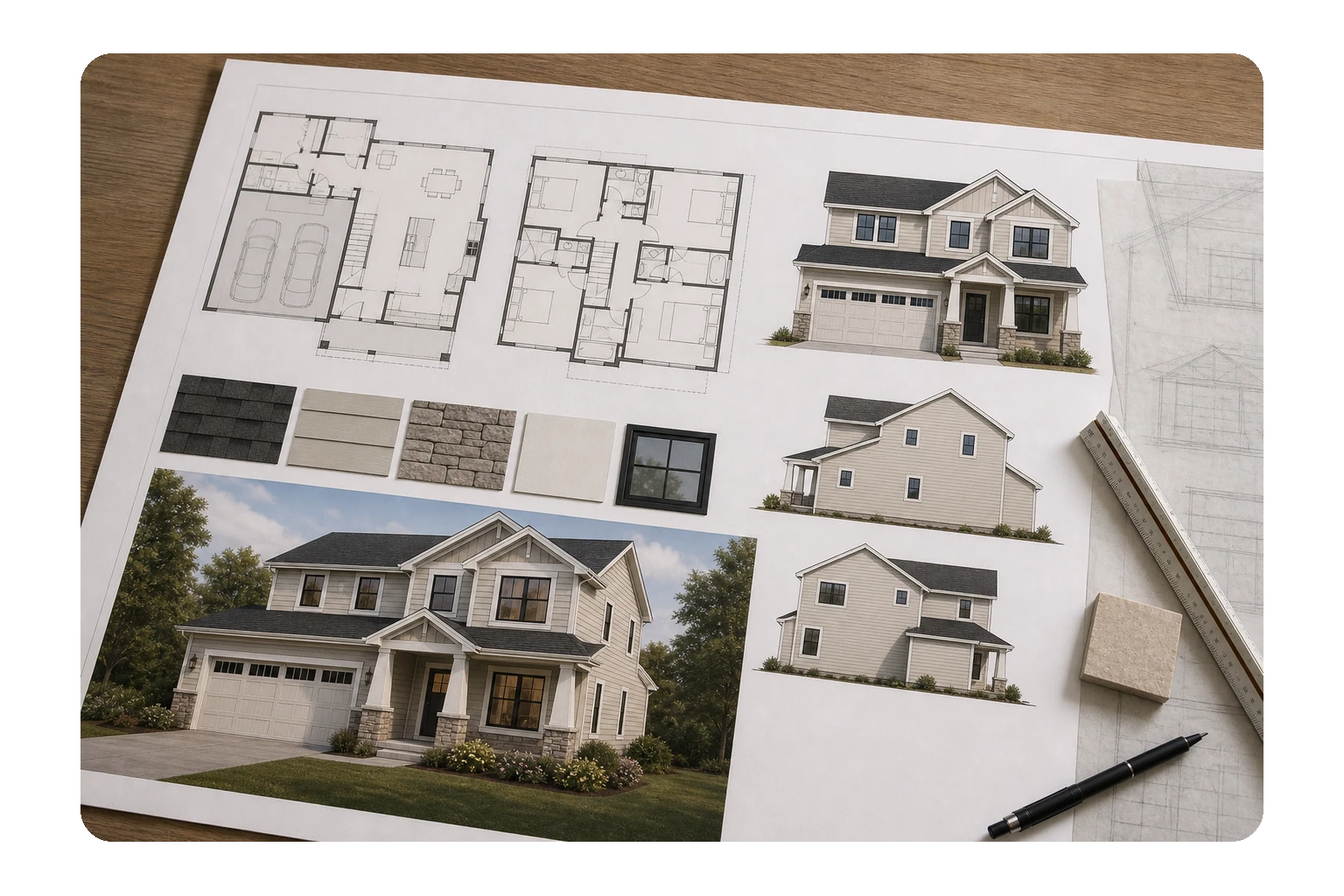
Why it matters
Why are Presentation Drawings necessary?
Most of the people who decide whether a project goes ahead cannot read a technical drawing. Owners, committees, lenders, and buyers look at a sheet full of dimensions and tags and see noise. Give them the same layout in color, with furniture in the rooms and shadow on the walls, and they can follow it.
That difference shows up in the schedule. Decisions get made during the meeting, feedback is about the design itself, and the project moves on to the next stage with fewer rounds of clarification.
-
They let a non-technical audience understand the design on their own, in seconds.
-
Clear graphics speed up sign-off, because the client is reacting to the design rather than decoding the sheet.
-
Furniture and context show how a space will be used, which is what most clients want to know first.
-
They give review boards and committees a legible submission, so questions stay about the proposal itself.
-
The same sheets carry straight into brochures, listings, pitch decks, and competition boards.
-
A consistent graphic language across every project makes a practice look considered and established.
Where it applies
Industries We Serve
-
01
Architects & Design Firms
Presentation sheets and boards produced from your working drawings, in your studio graphic style.
-
02
Residential Developers
Rendered unit plans, colored site plans, and marketing sheets for launch and sales material.
-
03
Real Estate & Property Marketing
Clean brochure and listing plans that show layout, furniture, and orientation at a glance.
-
04
Interior Designers
Furniture layouts, finish boards, and colored plans that carry a scheme through client review.
-
05
Commercial & Retail Developers
Tenant layouts, floorplate plans, and leasing graphics prepared for owners and prospects.
-
06
Landscape Architects
Planting plans, hardscape layouts, and site graphics rendered for public and client presentation.
-
07
Homeowners & Private Clients
Easy-to-read plans and elevations for discussing a design with family, a builder, or a lender.
How it works
Our End-to-End Process
01
Agree the Look
We settle the graphic style, color palette, sheet size, and audience before any drawing starts.
02
Prepare the Base Drawings
Your CAD, Revit, or PDF files are cleaned up, rescaled, and reduced to the geometry the sheet needs.
03
Render & Compose
Color, texture, shadow, furniture, and context go on, then the sheet is composed as a layout.
04
Review & Refine
You see a sample sheet first, and we carry your comments through the rest of the set.
05
Deliver Print & Screen Files
We issue print-ready PDF plus the working files, sized for boards, handouts, and slide decks.
Why Arcengine
Why Choose Us
Drafting and Graphics in One Team
The same team that draws the base geometry composes the sheet, so nothing is lost in a handoff.
Drawn to Your Graphic Standards
We follow your palette, textures, lineweights, fonts, title blocks, and sheet sizes on every drawing.
Accurate Base Geometry
Every rendered sheet sits on correctly scaled drawings, so a presentation plan still measures true.
AutoCAD, Revit & SketchUp
We work from whatever you have and finish in Photoshop or Illustrator when the sheet calls for it.
Built Around Your Deadline
Presentation work lands on meeting dates, and our schedule is set backwards from yours.
Confidential & Secure
We keep your drawings and project data private and secure.
Explore more
Our Other Services
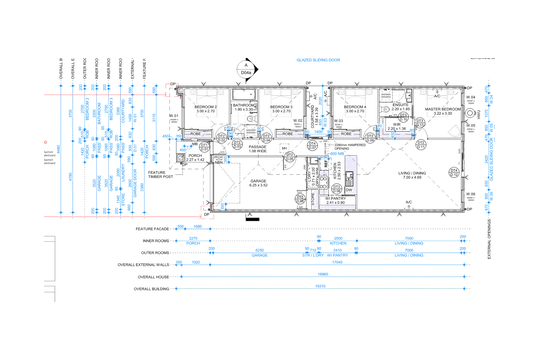
FAQs
Frequently Asked Questions
Presentation drawings are 2D drawings prepared for a non-technical audience. They take the plans, elevations, and sections your project already has and re-present them with color, texture, shadow, furniture, and context, so a client, a review board, or a buyer can read the design.
A working drawing leads with dimensions, tags, schedules, and code data because it is drawn to be built from. A presentation drawing leads with color, materials, furniture, and graphic hierarchy because it is drawn to be understood and approved. The underlying geometry is the same in both.
No. Presentation drawings are 2D graphics: rendered plans, colored site plans, shaded sections, and composed sheet layouts. Photorealistic interior and exterior imagery is handled separately under our 3D visualization service.
Send your CAD or Revit files, PDFs, or scanned sketches, plus any brand colors, fonts, or sheet templates you want us to follow. If you have an earlier set whose look you want matched, send that as well.
Print-ready PDF plus the working files: DWG or RVT, and layered PSD or AI where the sheet was composed in Photoshop or Illustrator. Raster exports are supplied at both print and screen resolution.
Yes. We work to your title blocks, sheet sizes, color palette, hatch and texture library, lineweights, and fonts. You approve a sample sheet before we produce the rest of the set.
Any size and scale you specify, from small handout sheets to large board layouts. Sheets are set up so the same drawing exports cleanly for print, for a screen, and for a slide deck without being redrawn.
Yes. All project files and drawings are kept strictly confidential and handled securely.
Get in touch
Drawings your client will actually read
Send your CAD, Revit, or PDF drawings and tell us the look you are after. We will return a composed presentation set, print-ready in PDF plus the layered working files.