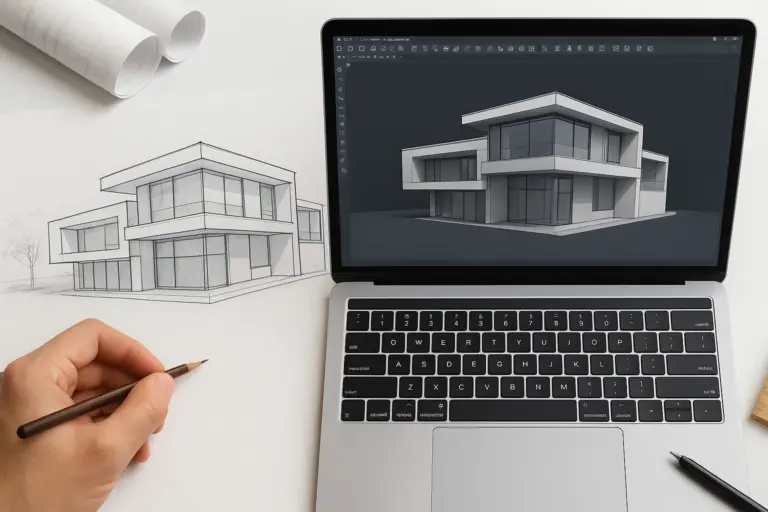
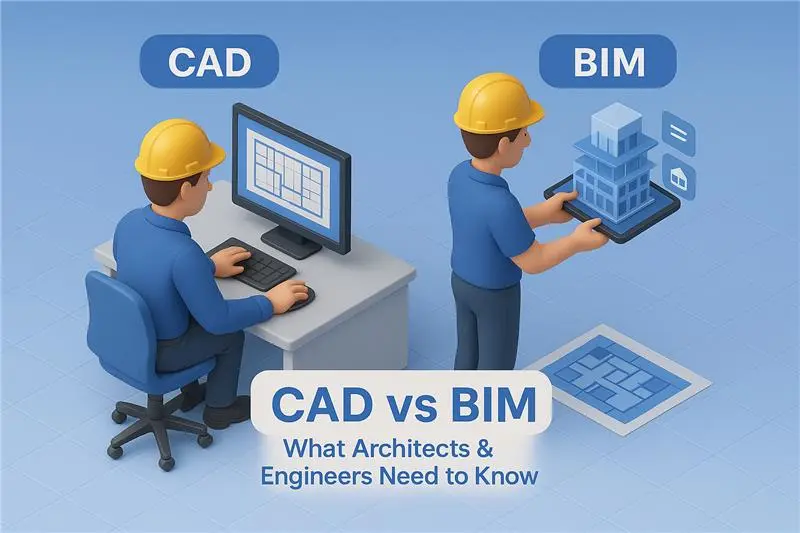
CAD and BIM help teams create and communicate project information. Their uses overlap, but a drawing workflow and a model-based information workflow place different demands on the team.
What is CAD?
Computer-aided design uses software to create and edit design geometry and documentation. CAD can support 2D drawings and 3D models in architecture, civil engineering, manufacturing and other disciplines.
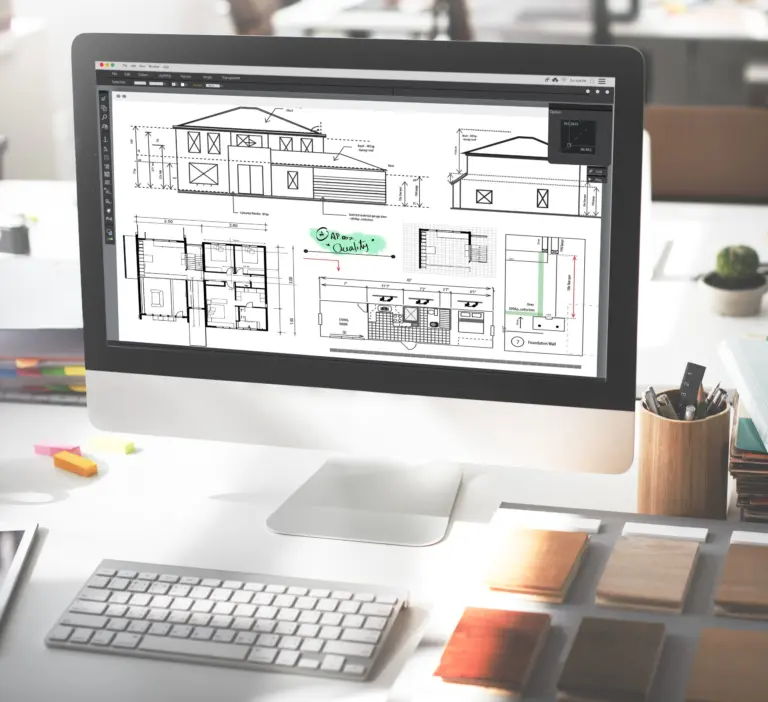
For building projects, CAD drawings can document plans, elevations, sections and details. The team must coordinate the files, references and revisions used for issue.
What is BIM?
Building information modeling is a process for creating and managing information about built assets. It can include geometry, component attributes and related project information across design, construction and operation.
BIM is used for residential and commercial buildings as well as infrastructure. It is not limited to one building type or a single software package.
How the workflows differ
In a drawing-based workflow, separate views and documents need a defined coordination process. In a model-based workflow, multiple views can draw on common model information.
For example, Revit presents plans, sections and schedules from a building model. That relationship can reduce repeated drafting, but the model and its documentation still need checking. Adding a model does not automatically make its data complete or correct.
BIM can support coordination reviews, quantities and other agreed uses. Those uses require the relevant information, suitable tools and a responsible person to assess the output. A model created for visualization may not contain enough information for fabrication or asset management.
Choose the deliverables the project needs
Consider the client's requirements, design complexity, reference information and the team's software. Define the required drawings or models, file formats, level of information and review stages.
Some projects need CAD deliverables, some need BIM models, and others combine them. A successful workflow depends on the actual scope rather than a rule that every project must use both.
Arcengine provides CAD drafting and BIM modeling support from the design information and instructions supplied by the project team. Share the required outputs and standards so the work can be scoped and checked against them.