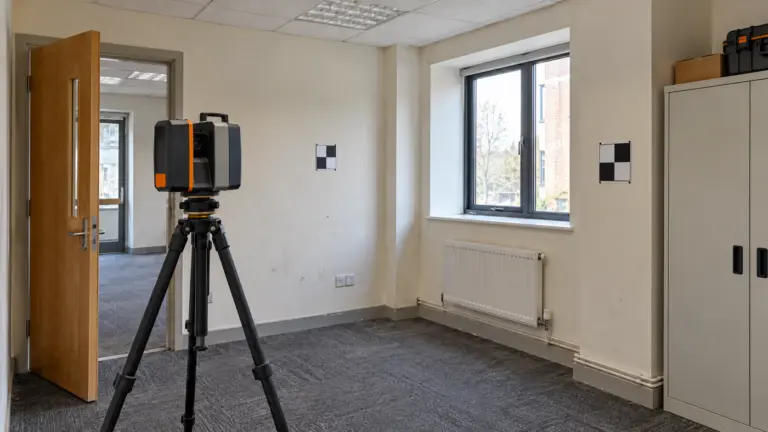

A point cloud can arrive as a large, readable file and still leave the modeling team unable to answer basic questions about the project. Which coordinate system controls? Were all required rooms captured? Does the buyer need an architectural model, selected services or a coordinated drawing package?
The Scan-to-BIM process turns supplied capture information into a model for an agreed use. A reliable brief defines the input basis, the elements to represent and the evidence needed at handover. This guide follows that production handoff and provides an input register you can use before asking a team to model.
What Scan to BIM produces
Scan to BIM commonly describes the creation of a building information model using point-cloud data as an important source of existing-condition information. The project team must define the scope because the phrase alone does not specify a software format, an element list, a drawing set or an accuracy requirement.
Capture, registration, modeling and acceptance review may involve different parties. Identify those parties in the brief. Receiving a registered cloud does not mean the modeling appointment includes field capture or responsibility for every uncaptured surface.
An existing-conditions model also needs a stated date and source basis. A model of visible conditions is not automatically a complete operational digital twin. If information such as asset identifiers or verified equipment data is required, include it as a distinct input and deliverable.
Prepare the input register
Use the editable input register to describe what is supplied and what remains open. Avoid treating every file in the delivery folder as an equally authoritative source.
| Input | Example status | Production consequence | Action owner |
|---|---|---|---|
| Registered cloud | Received; coordinate basis stated | Can be assessed against the model origin arrangement | Buyer and BIM lead |
| Coverage record | One ceiling zone not captured | Affected services cannot be treated as observed | Capture provider and buyer |
| Reference plan | Historical PDF supplied | Useful context; dimensions need a stated reliance basis | Project design lead |
| Target model scope | Architecture agreed; selected services open | Service modeling must wait for instructions | Buyer |
| Required outputs | Native model and named plans | Views and file versions can be planned | Receiving project team |
These entries are illustrative, not a report of an Arcengine project. Replace each status with the actual source, revision, responsible person and needed response. A concise register is more useful than a large attachment list without instructions.
Check the supplied cloud before detailed modeling
The intake stage should establish that the files can be opened and interpreted in the intended production environment. Confirm the format, units, orientation and origin arrangement. Review the supplied information about registration and coverage, and identify whether the dataset supports the requested areas and elements.
Different questions require different evidence. File readability does not demonstrate registration quality, and a dense patch of points does not show that every required surface was captured. Agree the intake review and its reporting method with the appropriate specialist.
If the supplied coordinate information conflicts with a reference plan, record the conflict before moving either source. An unexplained adjustment can make a model appear aligned while concealing the reason that the two sources differ. The receiving project team needs a reproducible basis for placing the delivery alongside its other information.
Model the agreed elements and record assumptions
Start with a scope that describes the elements and interfaces the buyer needs. A renovation architect may need walls, openings, floors and particular overhead constraints. Another project may require a more extensive services representation. The same cloud can support different modeling briefs.
Use the required element scope and information needs to guide production. The BIMForum LOD resource is a useful reference for model content and reliability; its use does not eliminate the need to agree accuracy or excluded conditions separately.
When an element is partly hidden, record how it is treated. Possible responses include leaving the area unmodeled, using a clearly identified assumption or asking for further information. The modeler should not silently turn an unsupported inference into an observed condition.
Keep a query log linked to the affected area or element. A useful query identifies the source gap, the consequence for the requested output and the person able to decide the response. That makes the issue reviewable without requiring the buyer to rediscover it in the model.
Check geometry, completeness and information separately
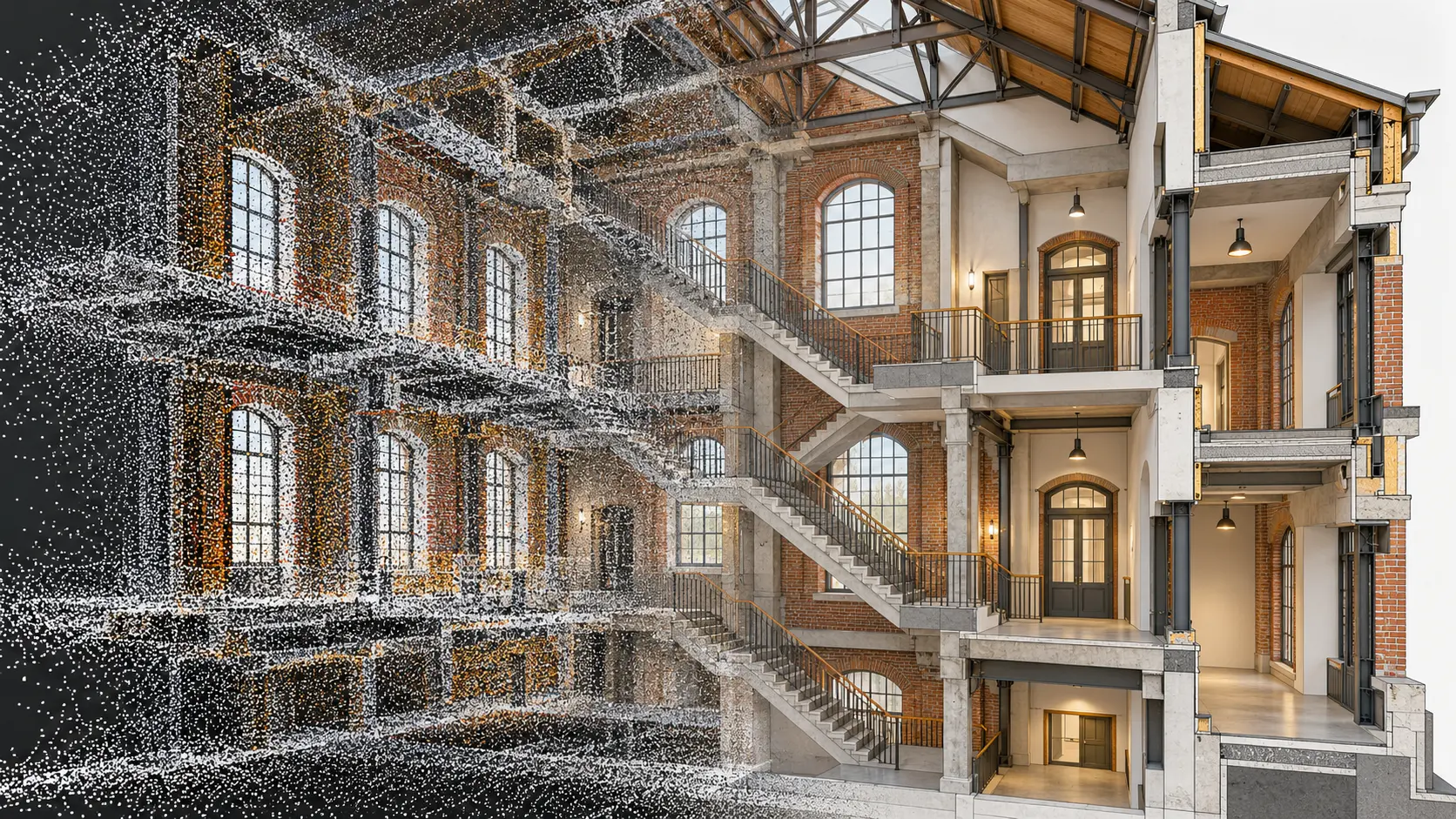
An agreed quality plan should distinguish the checks being performed. Model-to-cloud comparison addresses particular geometric questions. Element-scope checks address whether the agreed objects are present. Information checks address naming, parameters and other required data.
Agree methods, coverage and thresholds before the final submission. USIBD's Level of Accuracy guidance can inform the accuracy discussion. Do not substitute a general claim of “high accuracy” for a project-specific acceptance arrangement.
Document exceptions as well as accepted work. If part of a ceiling void remains unknown, the delivery should show that limitation in an appropriate register or view. A buyer using the model for subsequent design needs to know where additional investigation may still be required. The quality-control guide develops the acceptance record in more detail.
Define a delivery package the receiver can use
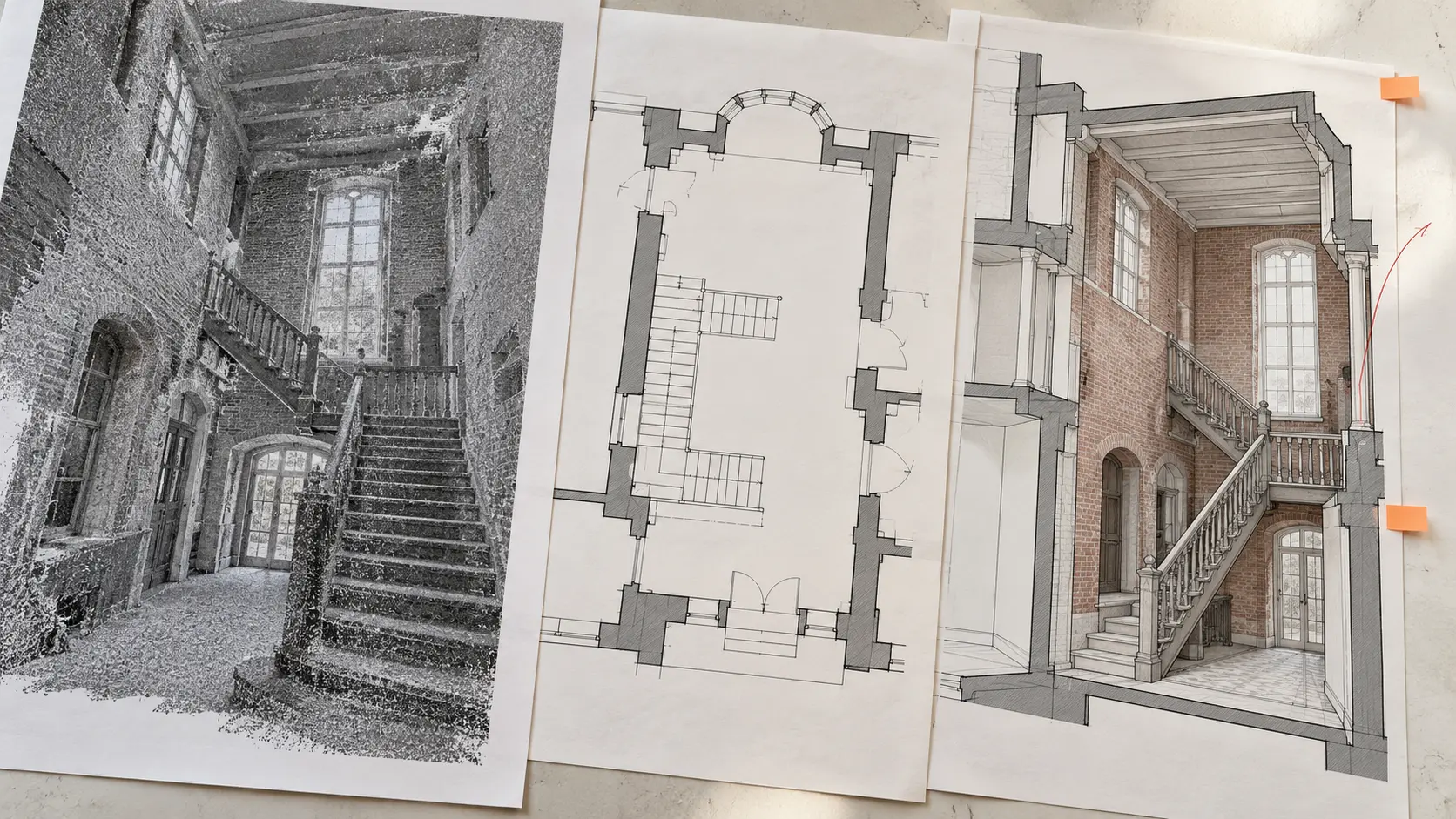
List the native file version, exchange outputs and extracted drawings required. Include origin information, view conventions and a concise manifest that identifies each issued file. If a model is delivered in phases, state the purpose and boundaries of each issue.
The final package should also contain the agreed review evidence, outstanding queries and assumptions. Keep those records connected to the model revision. A report referring to an earlier file cannot establish the status of a changed delivery without a stated review basis.
Ask the receiving team to check the package in its intended environment. A model that opens correctly on the production team's machine may still need coordination with the buyer's links, naming rules or software version. Record the outcome of that receiving check before treating handover as complete.
Questions about the Scan-to-BIM workflow
Which point-cloud format should we supply?
Confirm supported formats and versions with the actual production team. Identify what will be provided, how it was registered and which associated reports or reference files accompany it. Do not assume that every vendor's workflow accepts the same package.
Can missing areas be filled from old drawings?
Only under an agreed reliance basis. Historical drawings can be useful references, but they do not independently verify current conditions. Identify their date, the elements affected and any assumptions introduced by their use.
Does the model include construction drawings?
Only if the drawing outputs are in scope. Name the plans, sections or other views needed, their purpose and the required checking. The cost comparison guide helps keep drawing production distinct from modeling when comparing proposals.
Prepare the input register, agree the unresolved items and use that package to brief Arcengine's point-cloud-to-BIM team. The team can then discuss the work against a defined source and delivery basis.