
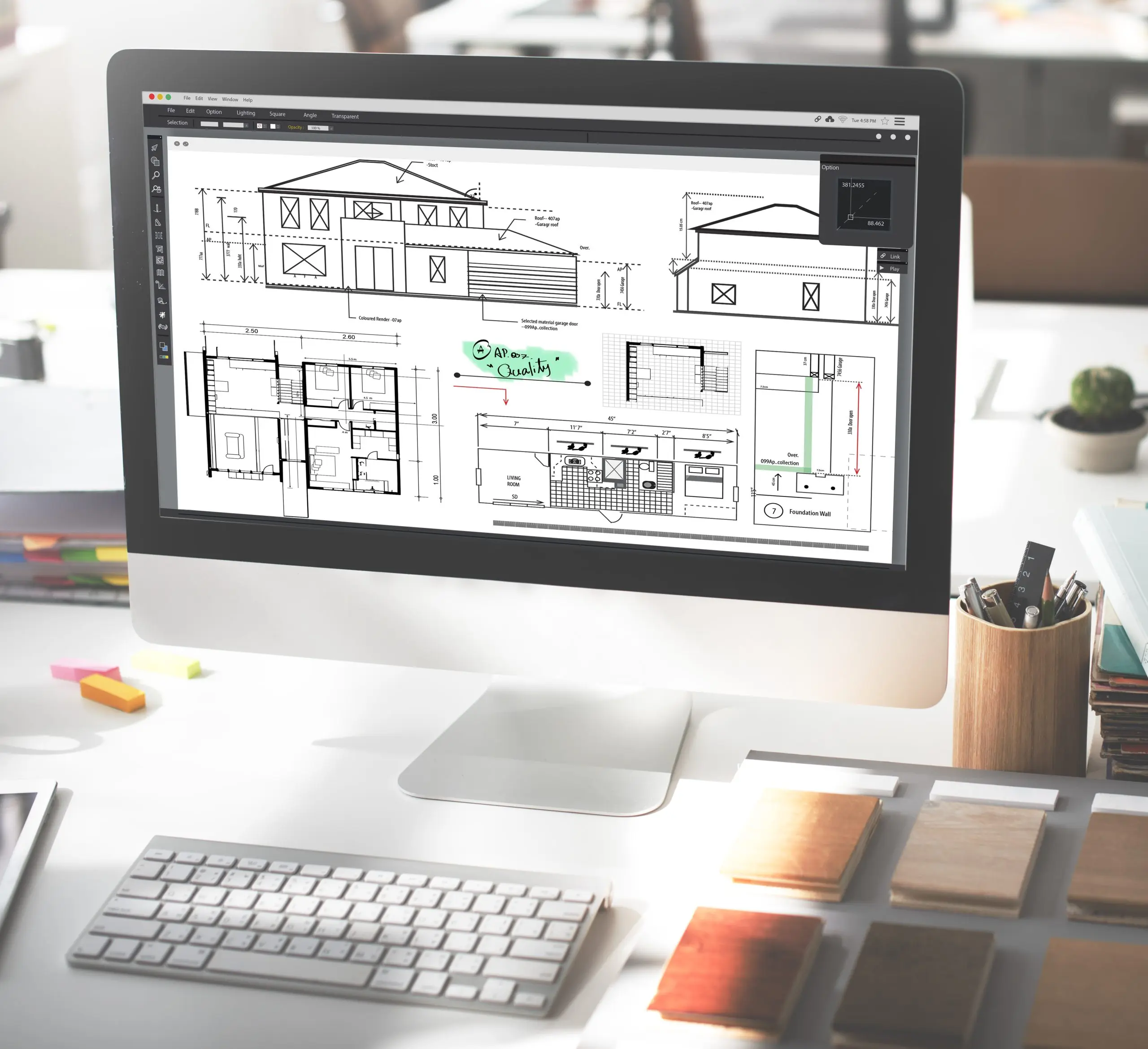
Revit helps project teams develop model-based drawings and schedules. It is useful when the model content and delivery process match the work the design team needs to perform.
What Revit supports
Autodesk describes Revit as a design and documentation platform for BIM. Plans, sections, 3D views and schedules present information from the building model. This supports coordination, while the design team remains responsible for the model and issued documents.
1. Coordinated 2D and 3D documentation
Model-based views let the team develop drawings from a common reference. Changes can update related views, but annotations, details, warnings and model relationships still need checking.
CAD-to-Revit conversion is useful when an existing CAD source needs to be recreated in a model. It is not required before every Revit project: teams can also begin with new model geometry or other agreed reference information.
2. Quantities for estimating
Schedules and material takeoffs report quantities and attributes from modeled components. They can support an estimator's work when the model scope and measurement rules are understood.
An estimate also needs appropriate rates, allowances and project information. Revit should not be treated as a complete financial forecasting, expense tracking or enterprise resource planning system.
3. References for renovation work
Existing drawings and linked point clouds can provide references for modeling an existing building. The team must establish the source coordinates, required tolerance and which areas are verified or inaccessible.
Capturing visible geometry does not establish concealed conditions. Those may require additional investigation before design or construction decisions are made.
4. Multidisciplinary coordination
Linked architectural, structural and building-services models help teams review interfaces. Agree on coordinate systems, exchange dates, model ownership and issue resolution so each discipline works with the correct information.
Coordination does not replace engineering calculations or the responsible professionals' checks.
5. Design visualization
Rendered views and walkthroughs can help clients discuss spatial arrangements and appearance. The quality and realism depend on model detail, materials, lighting and output settings.
Visualization may help explain a proposal, but it cannot guarantee approval, energy savings or a return on investment.
Define the modeling work before starting
For Revit BIM modeling support, agree on the model elements, information requirements, source files and drawing list. Set the review stages and identify who approves design decisions. A clear scope gives the modeling team a useful basis for delivery.