What clients can review in a walkthrough
For a seller or project team, the tour can show the design features that are difficult to explain from plans alone. A route through an entrance, workspace or living area gives those features context.
For a buyer or occupier, the same tour can raise useful questions about furniture, views, movement and finishes. It represents the current design and the assumptions in the model, so changes still need to be recorded and approved through the project's normal process.
How a 3D walkthrough is created
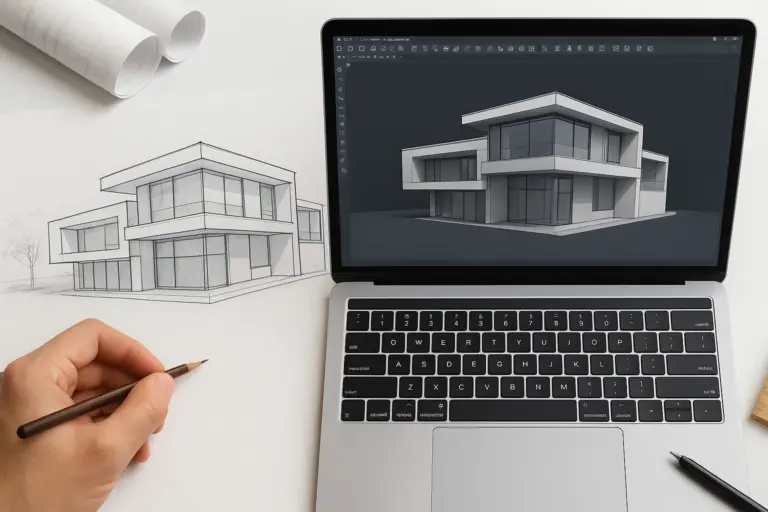
A walkthrough uses a camera moving through a 3D model. Autodesk's walkthrough animation guide describes a path and key frames that control the camera's movement and view.
The team prepares the agreed geometry and visual materials, sets the route and reviews draft views before producing the final animation. A wireframe alone does not determine how realistic the finished tour will look.
Model detail, lighting, materials, camera settings and rendering settings affect the result. Resolution and output format must be specified; HD quality is not an automatic consequence of using a particular modeling technique. Autodesk's rendering guidance explains how camera and output settings affect a presentation.
When a flyover is useful
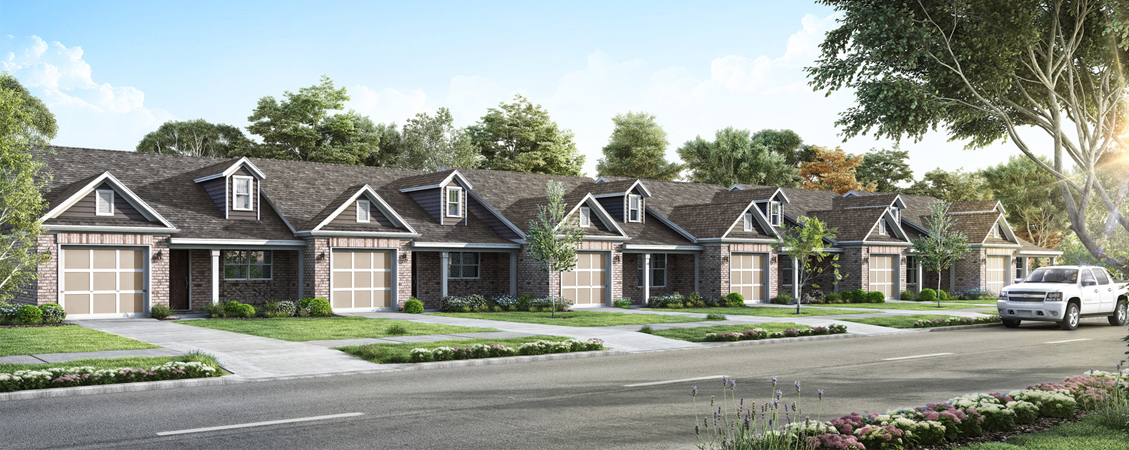
A flyover shows the exterior and its relationship to the site. It can explain an approach road, a building entrance, massing or the position of surrounding features.
It is a visualization of the proposed design. To assess completed construction, the team needs actual site evidence and the appropriate inspection process.
Getting useful feedback
Use early previews to collect comments on the route, camera speed, visible details and design choices. Record the model version and distinguish confirmed materials from illustrative selections.
A tour may help reduce misunderstandings, but it does not guarantee approval or replace dimensioned drawings, specifications and design review. Agree on revision rounds and approval points before final rendering.
For architectural 3D visualization, share the latest drawings or model, the spaces to show, reference materials, target length and required output format. These inputs give the visualization team a clear brief.