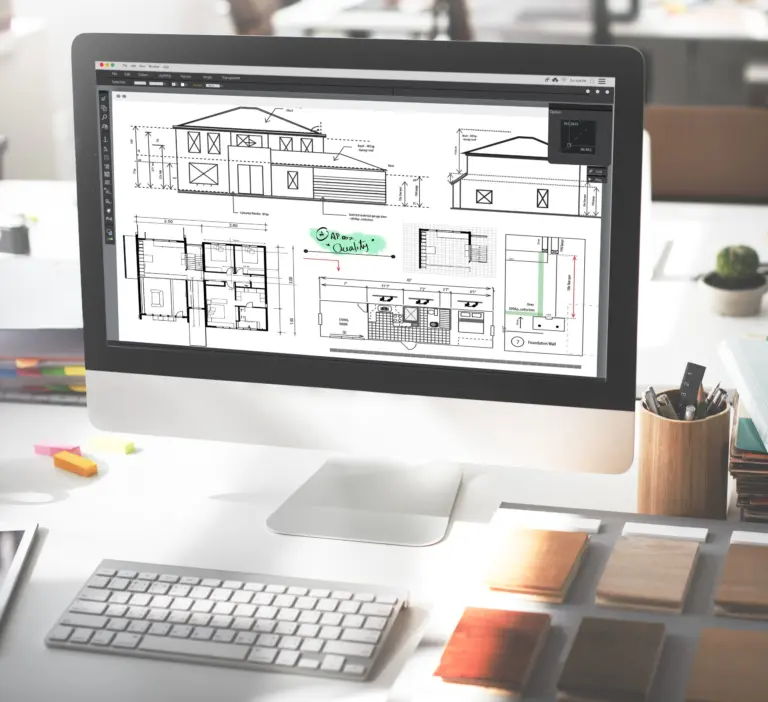

1. Coordinate the design team
Architectural, structural and building-services teams need agreed coordinates, file exchanges and responsibilities. Shared models give them a reference for reviewing their work together. A collaboration platform still needs clear permissions, issue ownership and approval stages.
2. Give RFIs clear context
An RFI is a request for information. Teams use it to seek clarification when drawings, specifications or site conditions leave a question unresolved.
A model view can help show the location and context of a question. The formal response and its effect on the documents must still be recorded through the agreed RFI process.
3. Manage revisions deliberately
Version history and issue records depend on the software and workflow in use. Saving a model alone does not guarantee a complete record of every decision or every contributor's changes.
Agree on naming, issue dates and approved versions. Before reusing a model or family, check its suitability, permissions and information for the new project.
4. Keep related views consistent
Model-based views can reduce repeated drafting. Revit's parametric relationships coordinate changes between elements that have the relevant relationships. For example, a hosted component can move with its host.
This does not mean every neighboring component will be redesigned correctly. Model authors need to set up relationships and review warnings, dimensions and affected details after a change.
5. Review geometric conflicts
Clash detection can identify selected interferences between disciplines. The team must choose the test scope and tolerances, assess the results and agree on resolutions.
A clear clash report does not prove structural adequacy, code compliance or overall constructability. These require their own professional checks.
6. Explain spatial arrangements
Plans, sections and 3D views help clients compare room arrangements, circulation and furniture layouts. Use the level of detail needed for the decision, and record any changes to the brief.
7. Define the information to deliver
Set out which models, drawings and schedules each party supplies, when they are required and who checks them. Keep unresolved items visible rather than treating the model as complete because it looks finished.
For BIM modeling support, provide the design instructions, templates and information requirements. Agree on review stages so the responsible design team can assess the work before issue.